
Creating a Mollie account for testing
Mollie tests through a test mode on your Mollie account rather than a separate sandbox: anything created in test mode is kept apart from your live data (see Mollie’s Testing page). This guide walks through creating a Mollie account so you can set up and verify your connection before going live.
-
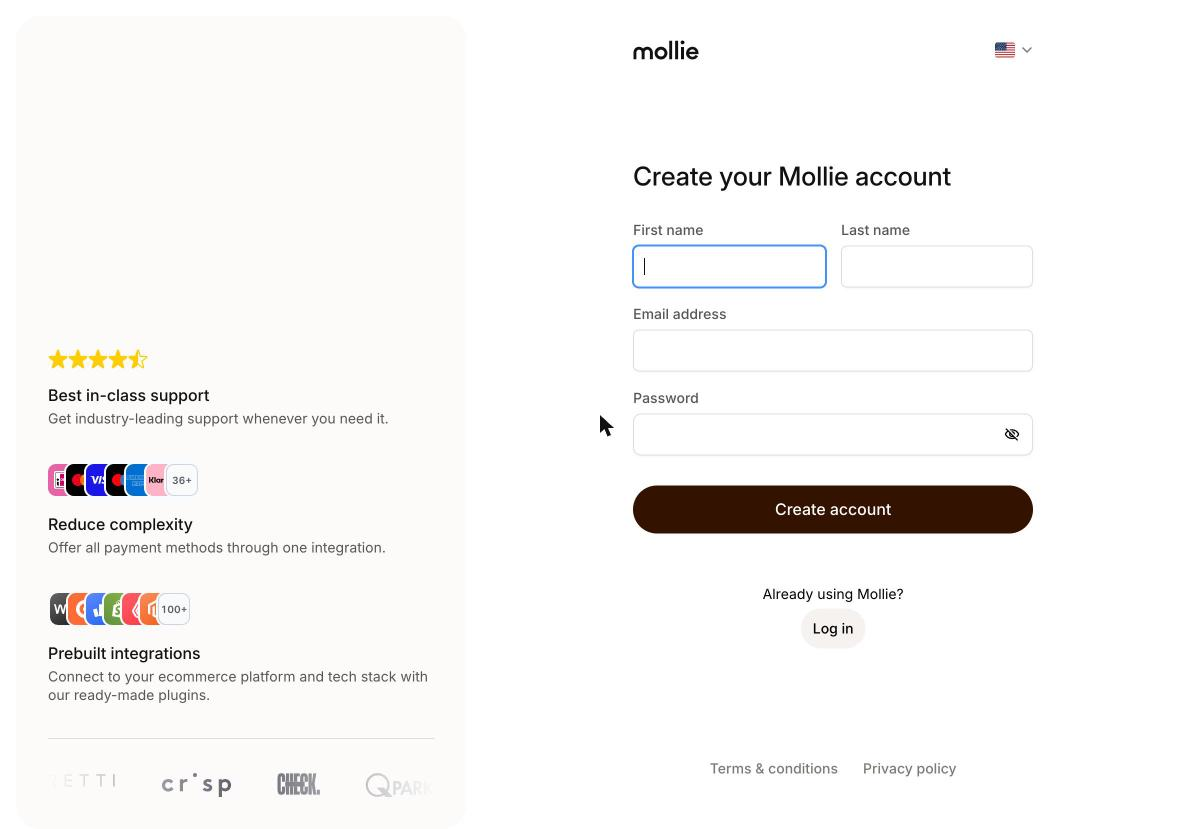
Go to my.mollie.com/dashboard/signup and sign up for a Mollie account.
-
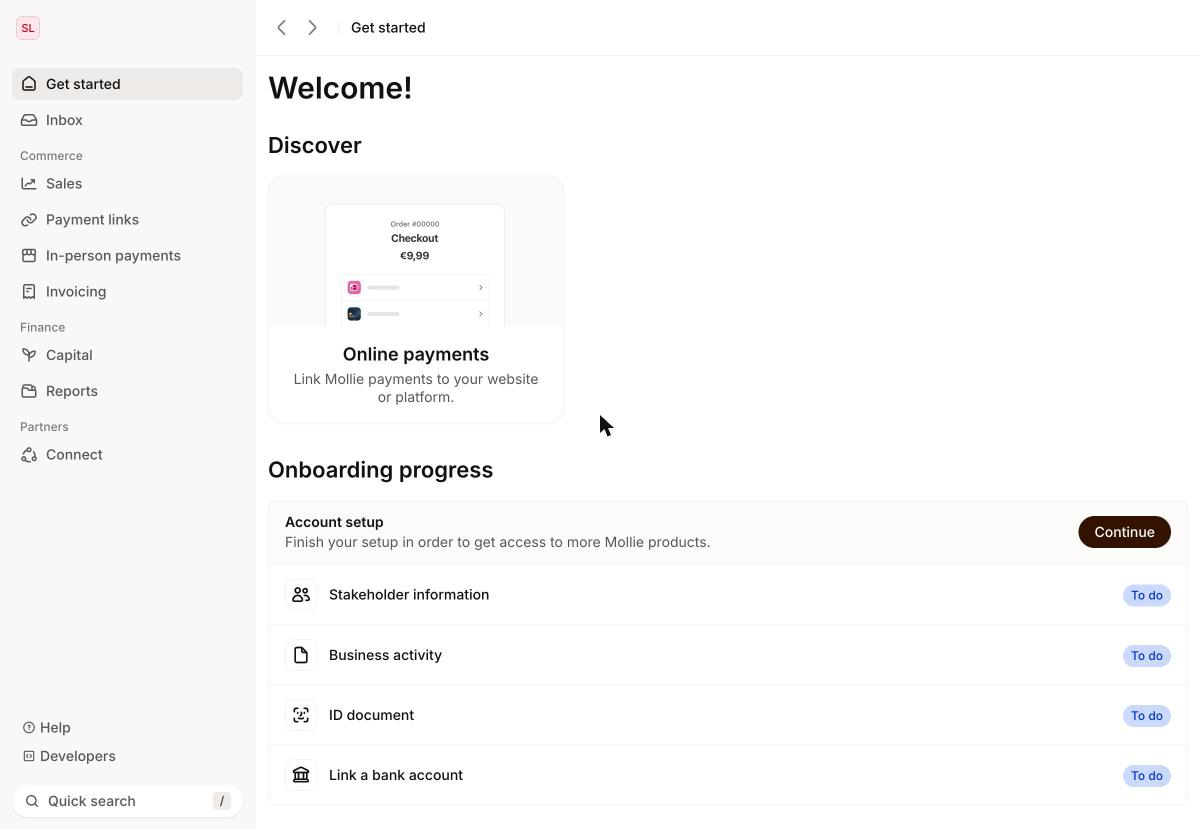
Log in. On the Get started page, under Account setup, select Continue.
-
Enter the information about your business, its legal representative and your website’s URL.
-
Activate the payment methods you want to offer. Select Pricing & Info to find out more about each one.
-
Connect Mollie as described in Connecting Mollie, logging in with your Mollie account’s email address and password. When you are back in the setup screen, check that Profile ID shows the Mollie website profile you set up (the first profile is selected by default), then select Save.
Mollie only supports EUR for testing. For test cards and how to choose a payment result, see Mollie test cards.
These steps follow Mollie’s own pages and screens as of 23 November 2026. If they no longer match, Mollie’s linked pages are the reference.
Was this page helpful?
What went wrong?
Thanks for telling us.