
Connecting Mollie
Connecting to Mollie is an OAuth process. When you start the connection you are redirected to Mollie to log in, and Mollie then shares a security token with us to complete the setup.
-
When prompted, select Connect Mollie.
-
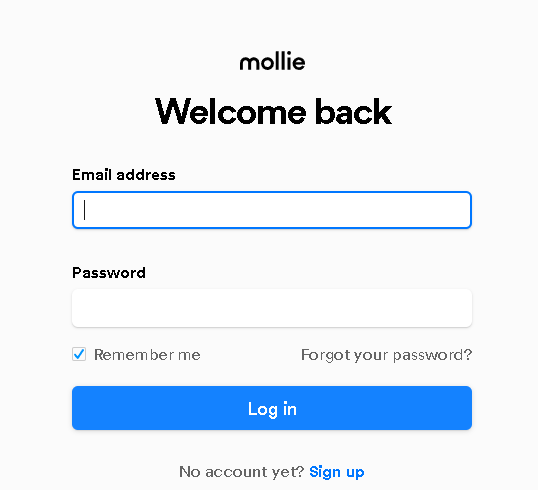
You will be redirected to log in on the Mollie site. Enter your email address and password, then select Log in.
-
On success, you will be redirected back to finalise your setup.
Connection options
Section titled “Connection options”- Profile ID: The Mollie website profile that payments are taken against. The list shows the profiles on your Mollie account, and the first one is selected by default. If your Mollie account has more than one profile, check that the right one is selected, then select Save.
Was this page helpful?
What went wrong?
Thanks for telling us.