
Connecting Stripe
Connecting to Stripe is an OAuth process. It requires you to log into Stripe, which then shares a security token with us. To complete this you need a Stripe login with administrator access on your Stripe account.
-
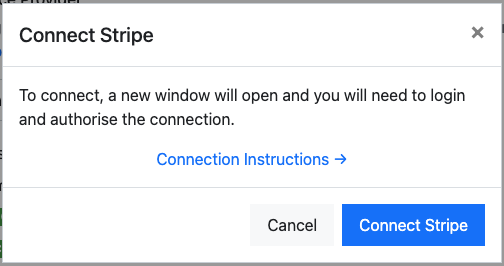
When prompted, select Connect Stripe to log in to your Stripe account.
-
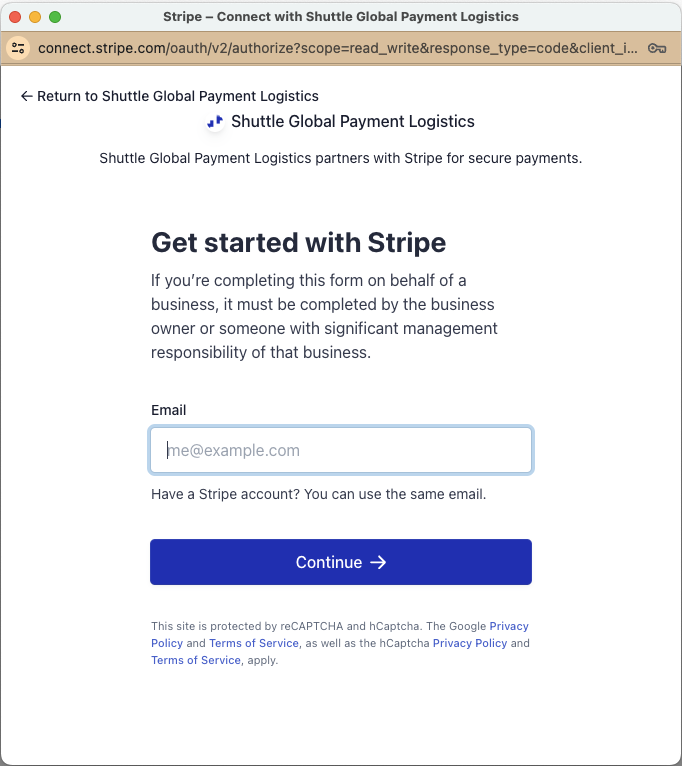
If you have not recently been logged into Stripe you will be prompted with a login screen. Log in as an administrator of the account.
-
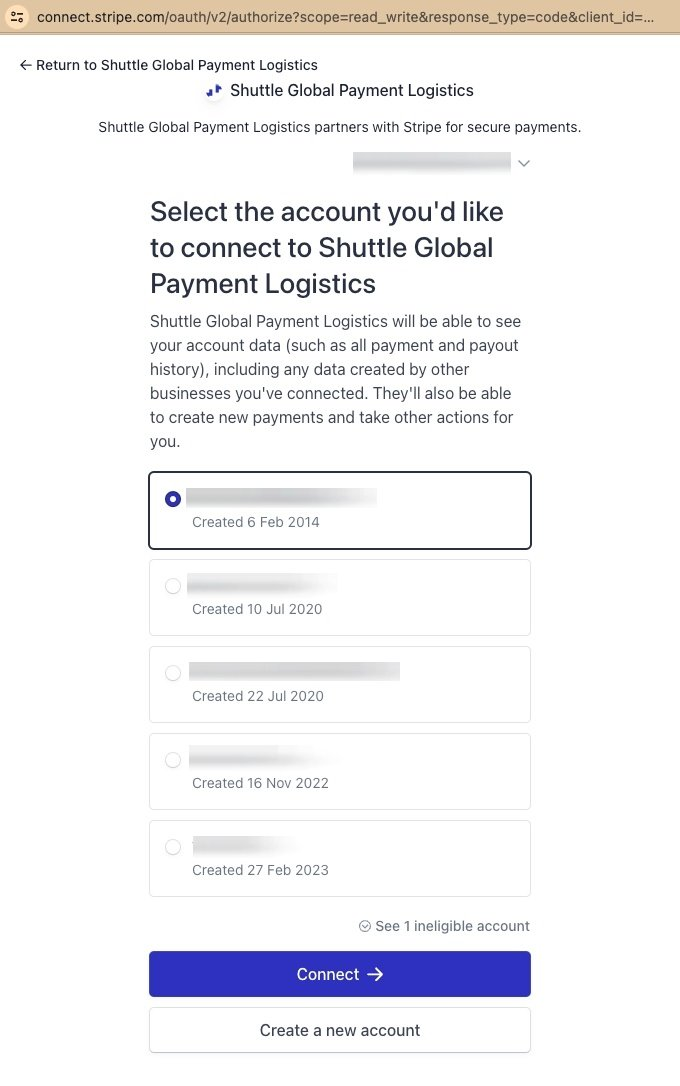
If you have multiple Stripe accounts you will be prompted to choose which one to use, or you can create a new one.
-
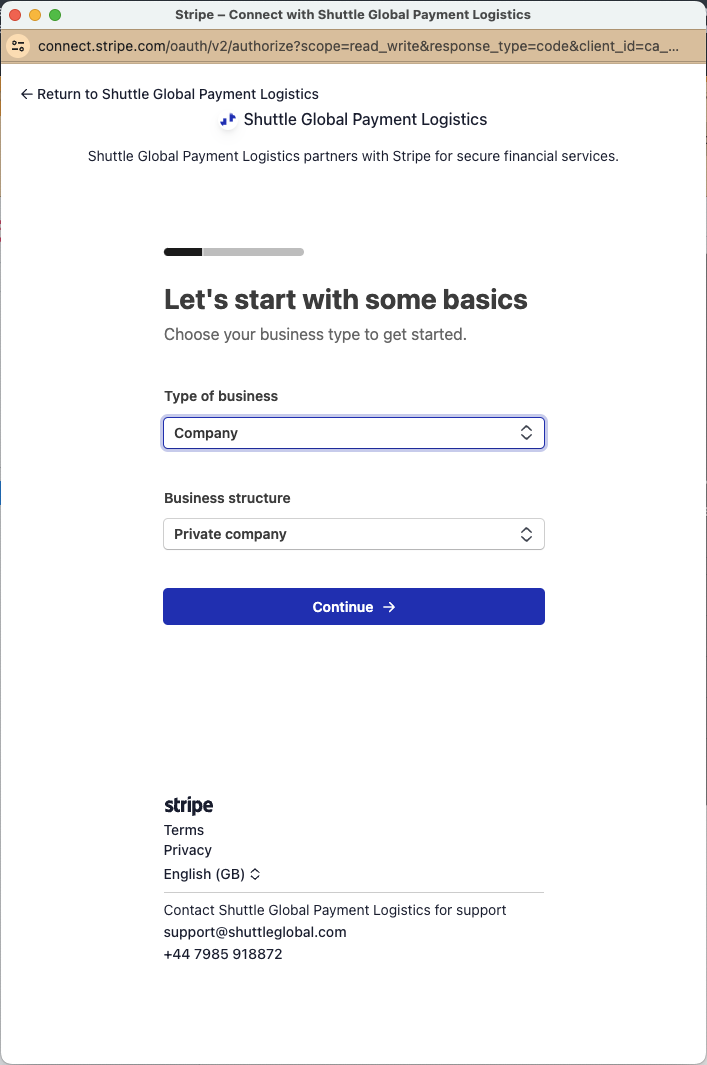
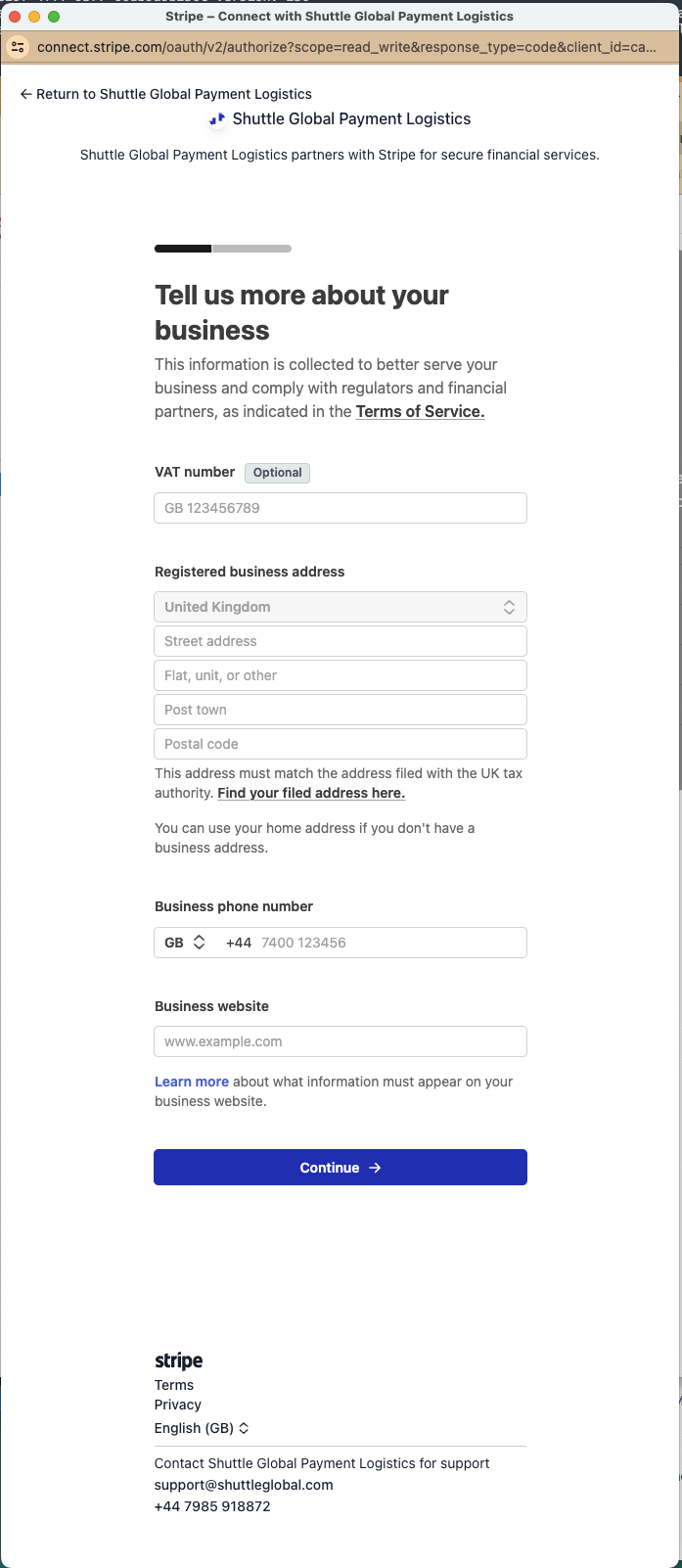
If you select Create new account, or choose a Stripe account that has not yet been activated, you may be taken through Stripe’s onboarding process. This varies country to country. If you are already using Stripe, skip to the next step. When prompted, select Allow Access to the account.
-
You will also need to add your bank account for payouts.
-
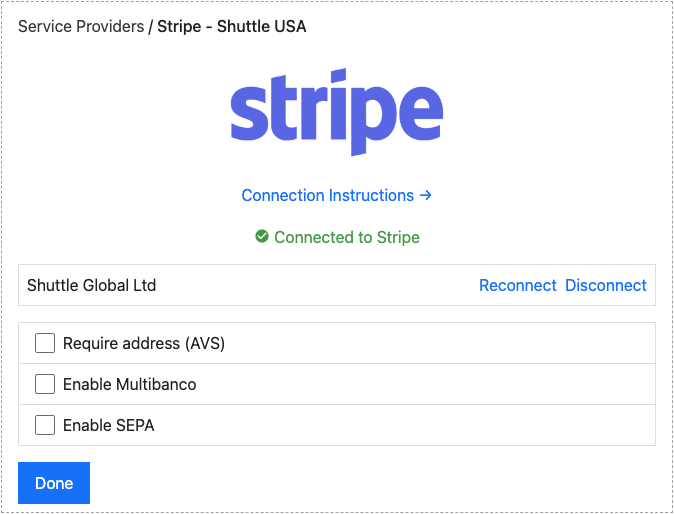
When you are returned to the app, the connection is tested and you are shown a green “Connected to Stripe” message. If there is an error with the connection, use the Reconnect button — but take care to connect to the same account, otherwise saved payment methods and refunds will return an error message.
Connection options
Section titled “Connection options”Our integration with Stripe offers several options:
- Require address (AVS): Requires the customer to enter their billing address.
- Enable ACH: Enables ACH as a payment method. You must also enable this option on Stripe. This
option only appears when your Stripe account is registered in the United States.
- Company name: Required. The business name shown to the customer in the ACH authorisation they agree to. Pre-filled with the business name on your Stripe account.
- ACH - Disable Micro Deposit Verification: The customer must verify their bank account instantly
by logging in to their bank, rather than by confirming small test deposits a few days later.
- ACH - Enable ‘skip’ verification (requires Stripe approval): Allows bank account verification to be skipped. Stripe must enable this on your account first.
- ACH - Hold payments as pending until settlement window passes: See ACH and SEPA Direct Debit settlement.
- Enable Multibanco: Enables Multibanco as a payment method. You must also enable this option on Stripe.
- Enable Bank Transfer: Enables bank transfer (Stripe customer balance) as a payment method — SPEI
in Mexico, and the domestic transfer rails for GBP, EUR, JPY and USD. You must also enable this option
on Stripe.
- Bank Transfer - days before an unpaid pending payment expires: How long to wait for the funds before the payment is declined as not received. Defaults to 14 days.
- Enable SEPA: Enables SEPA as a payment method. You must also enable this option on Stripe.
- Company name: Required. The business name shown to the customer in the SEPA mandate they agree to. Pre-filled with the business name on your Stripe account.
- SEPA - Hold payments as pending until settlement window passes: See ACH and SEPA Direct Debit settlement.
- Enable Extended Authorizations: Requests an extended authorisation window from Stripe when a card payment is authorised for later capture, where the card supports it. Extended authorisations must also be enabled on your Stripe account, otherwise the authorisation fails.
- Send Stripe receipt (where email available): Off by default. When on, Stripe emails its own payment receipt to the customer whenever the payment has an email address. You must also enable Successful payments under Settings → Business → Customer emails in the Stripe dashboard.
- Send recurring payments as off-session instead of MOTO (recommended): Sends recurring card payments to Stripe as off-session merchant-initiated payments instead of as MOTO. This is on, and not shown, for new gateways. On older gateways it can be switched on, and stays visible for 90 days afterwards so it can be switched back off.
Bacs Direct Debit is a beta feature, available on request. When enabled, an Enable BACS option appears in the connection settings.
For how ACH and SEPA payments settle once enabled, see ACH and SEPA Direct Debit settlement. For bank transfers, see Bank transfers and SPEI.
Was this page helpful?
What went wrong?
Thanks for telling us.