
Creating an Adyen sandbox account
This guide walks through creating an Adyen test (sandbox) account so you can set up and verify your connection before going live.
Time to complete: 5 minutes
-
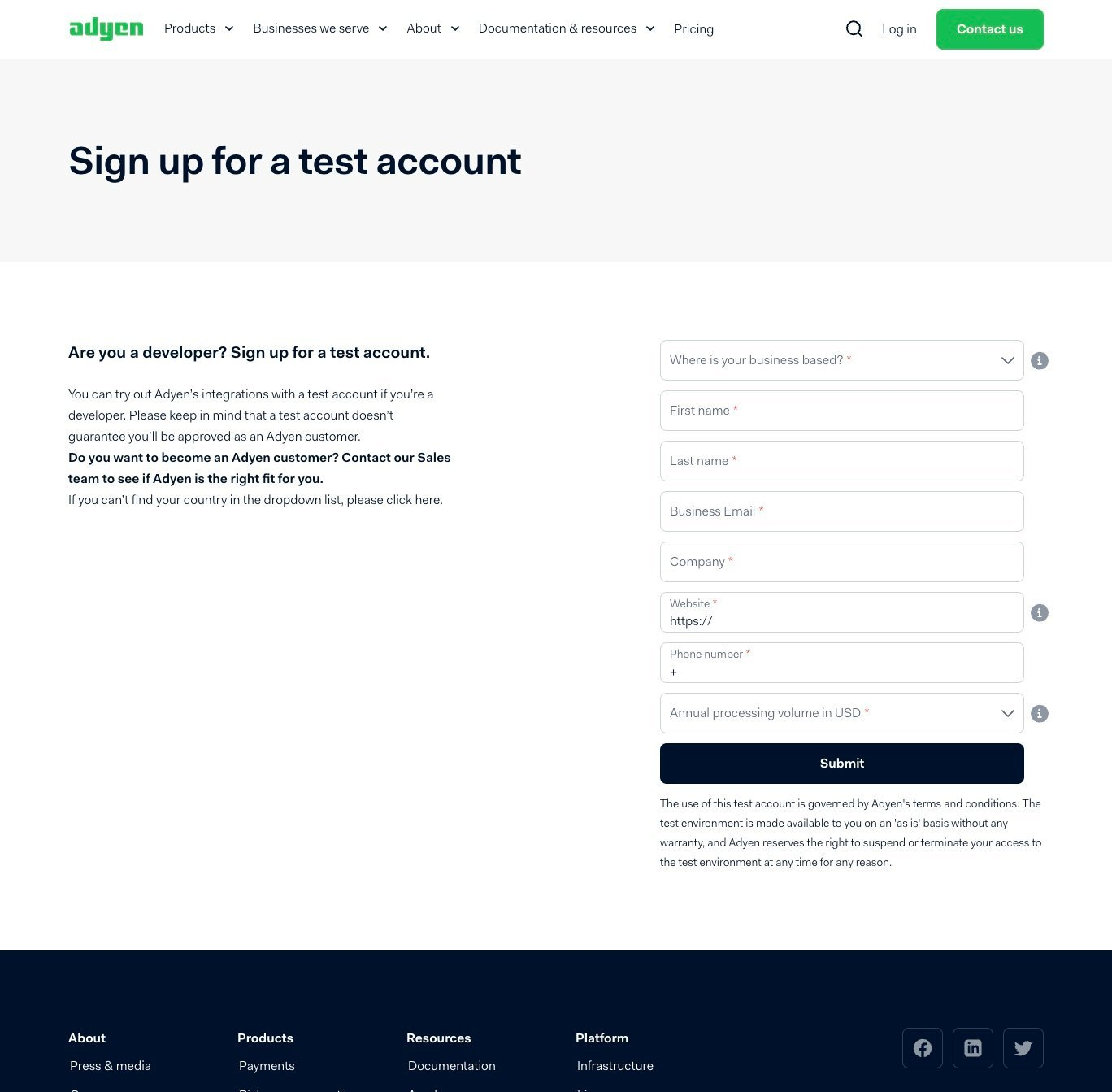
Go to www.adyen.com/signup, fill in your details, and submit.
-
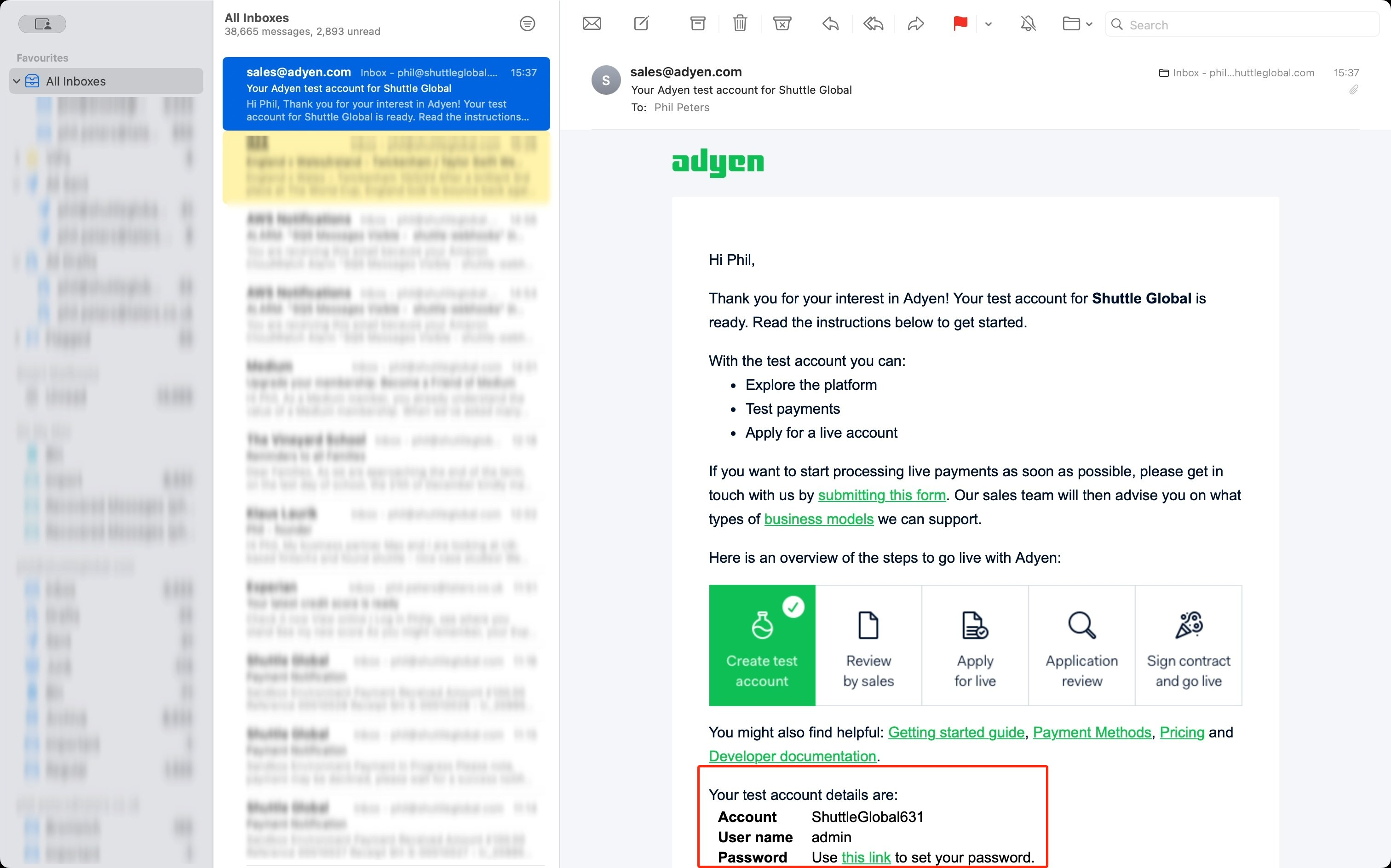
You will be sent an activation email.
-
Click the link in the email and create a password.
-
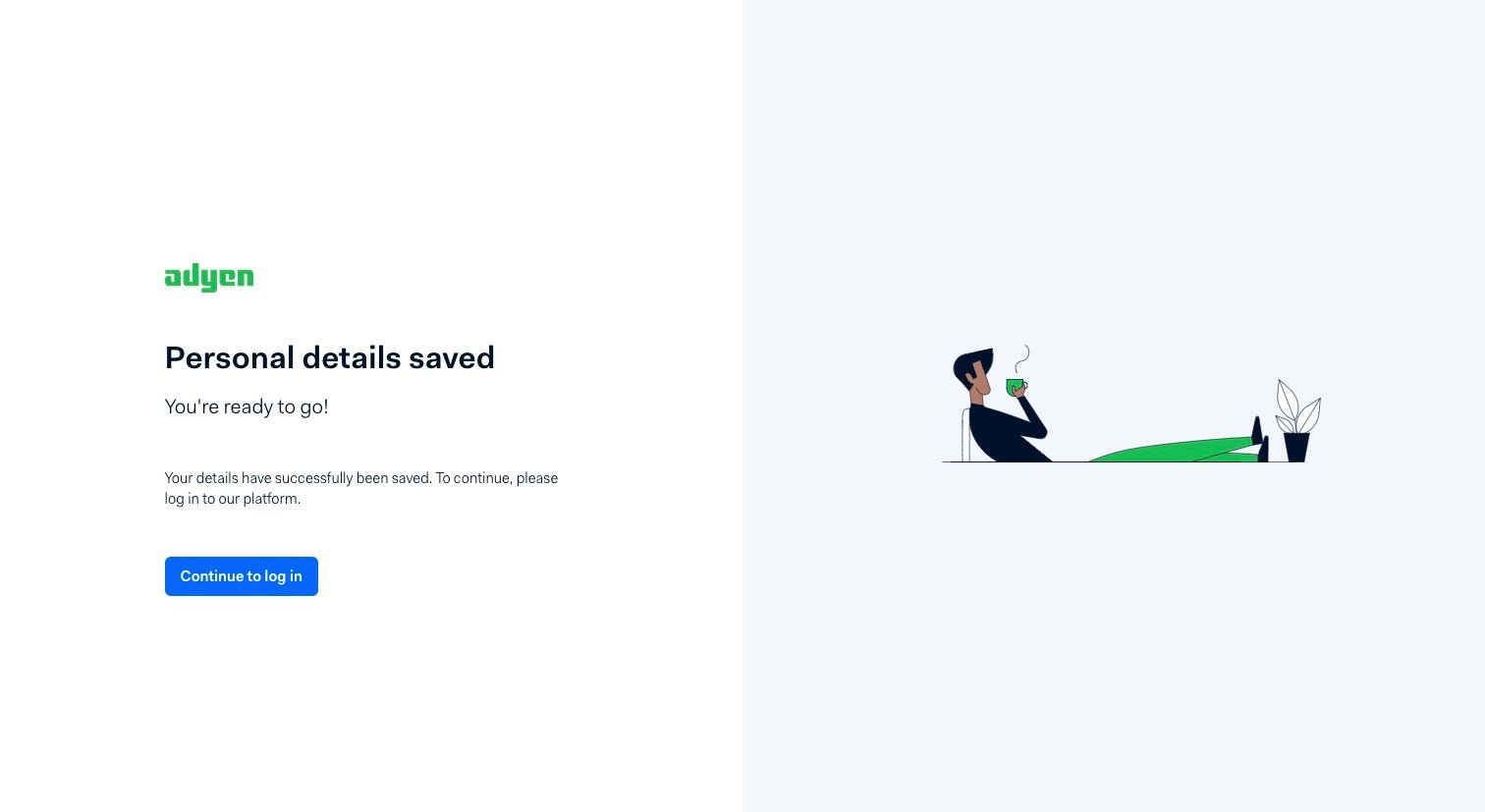
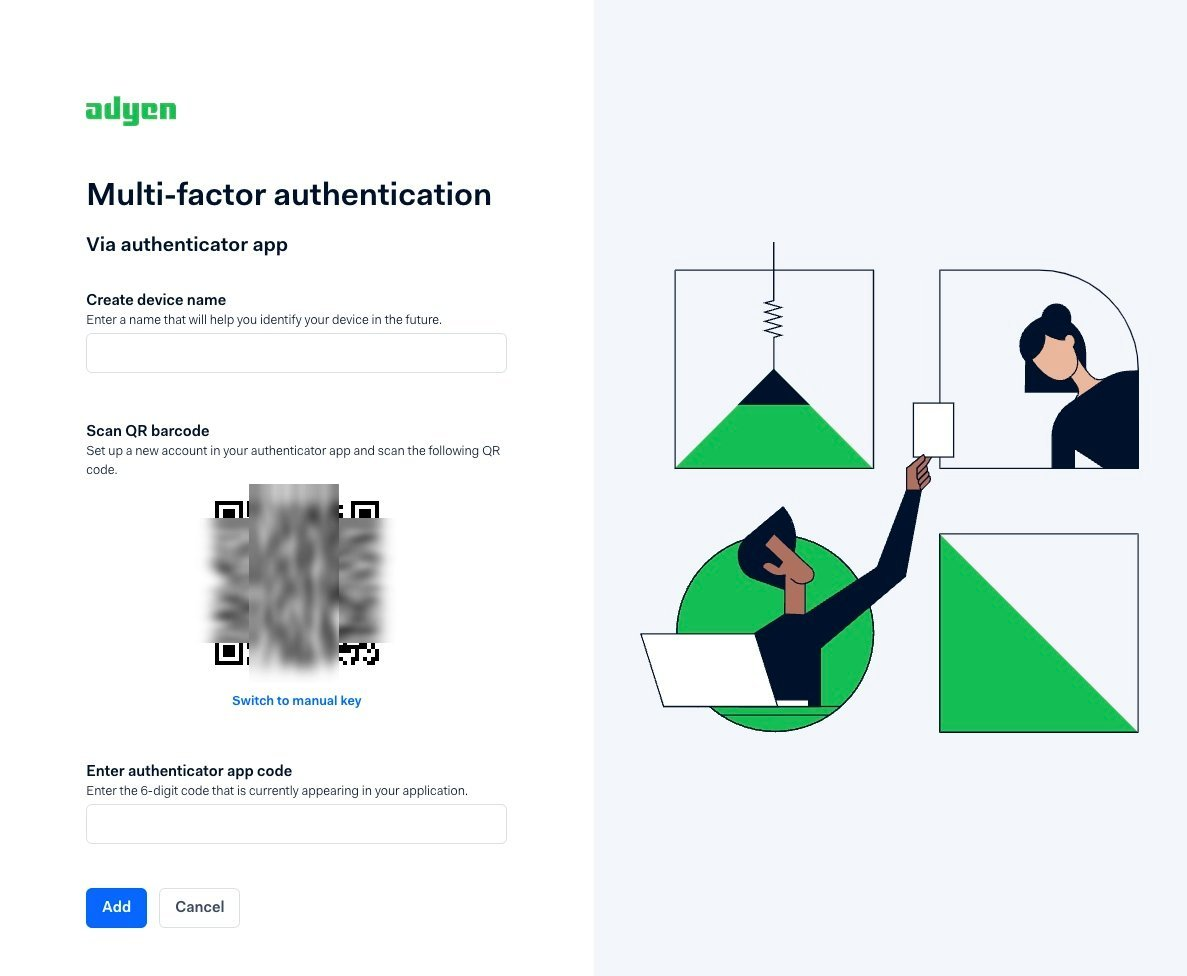
Select Continue to log in and log in. You will be prompted to configure multi-factor authentication (MFA).
-
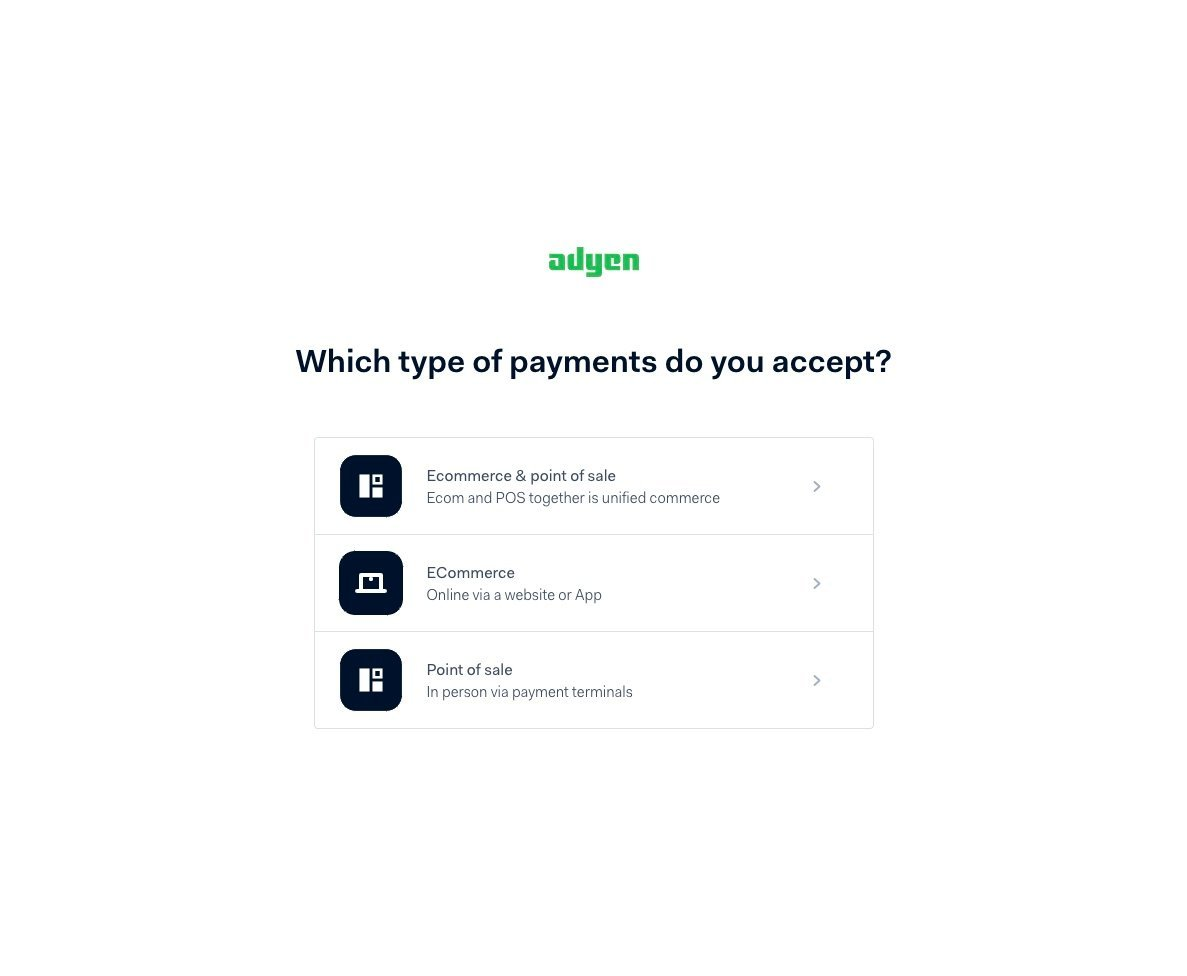
When prompted Which type of payments do you accept?, select an option that includes Ecommerce.
-
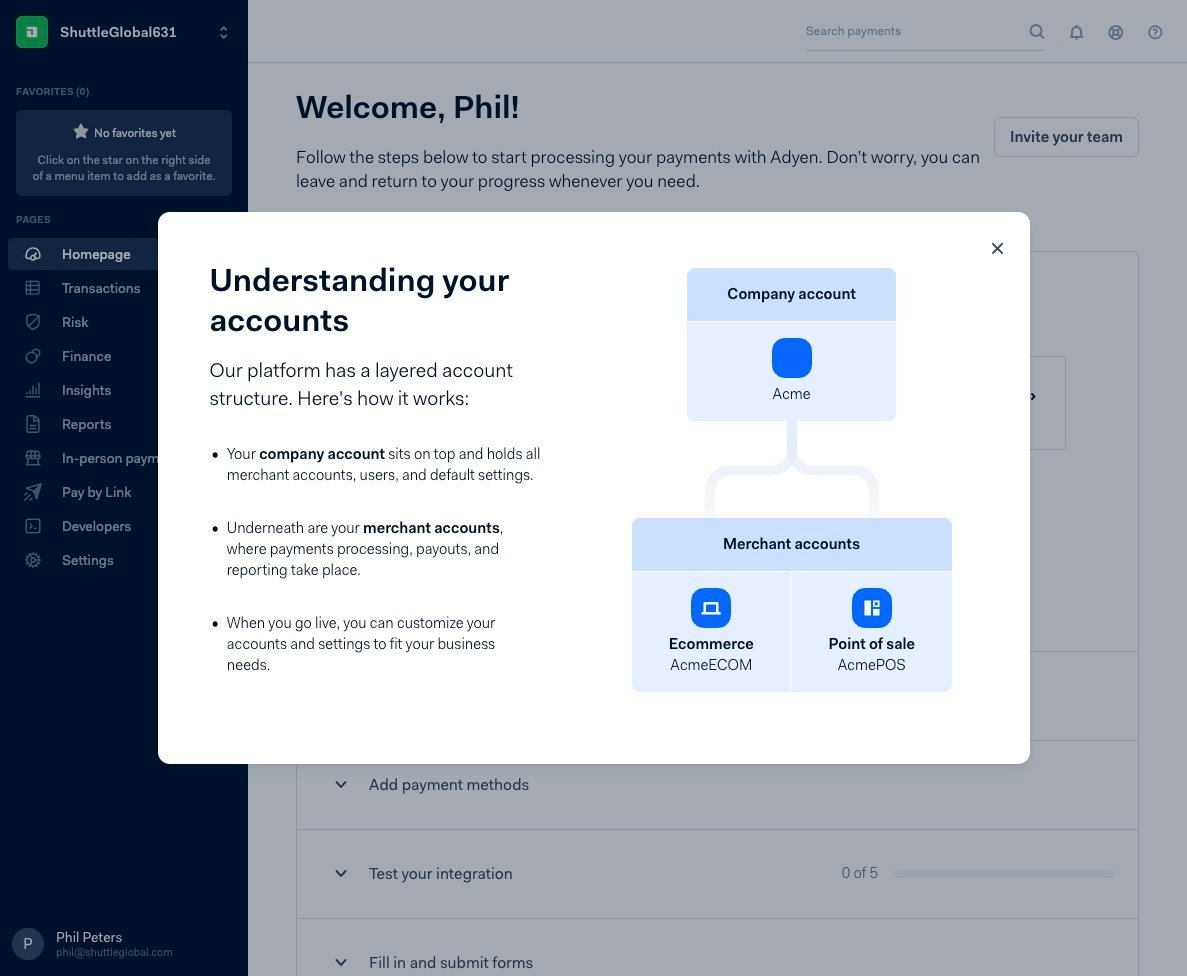
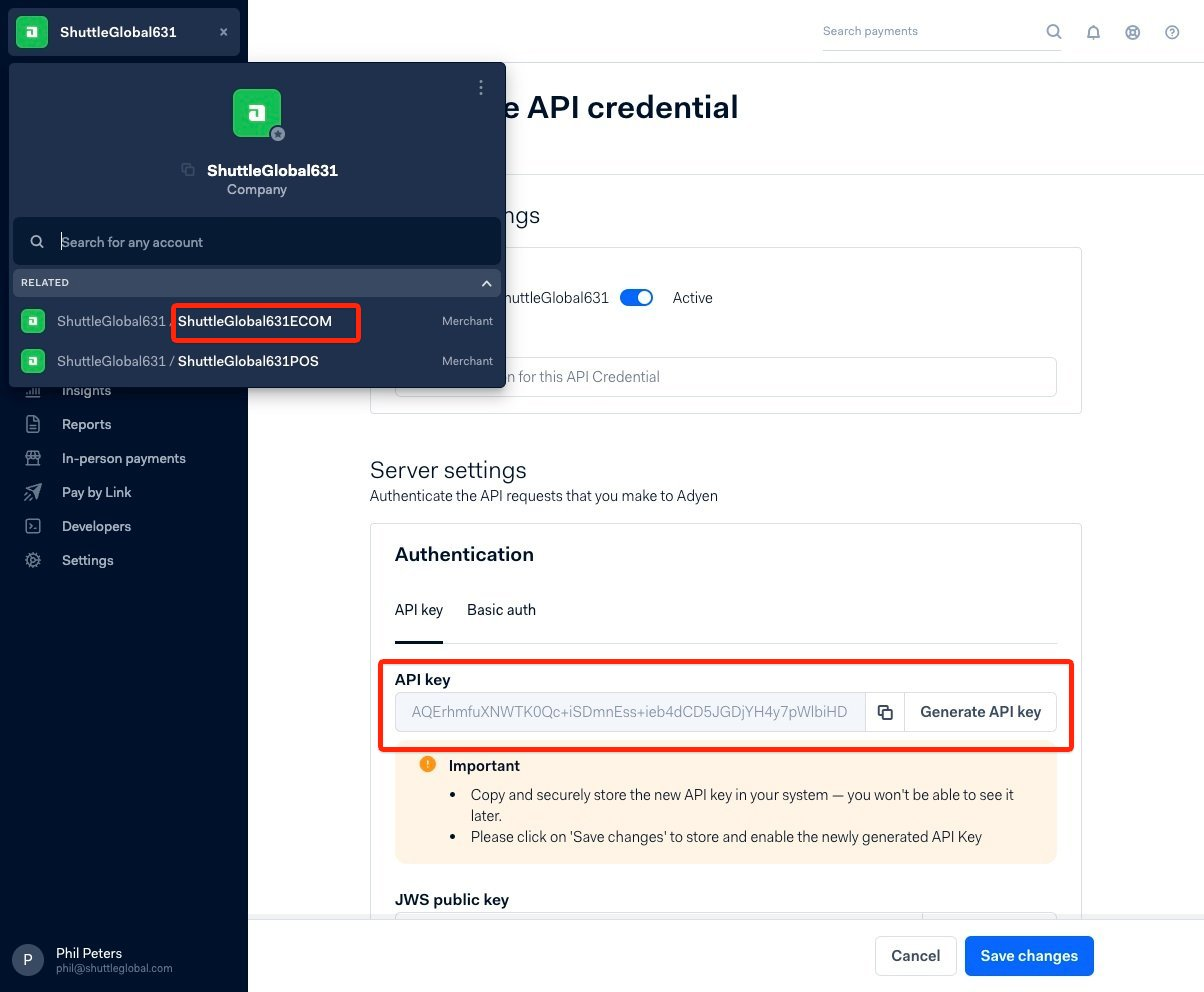
Your merchant account will generally be your account name suffixed with ECOM.
-
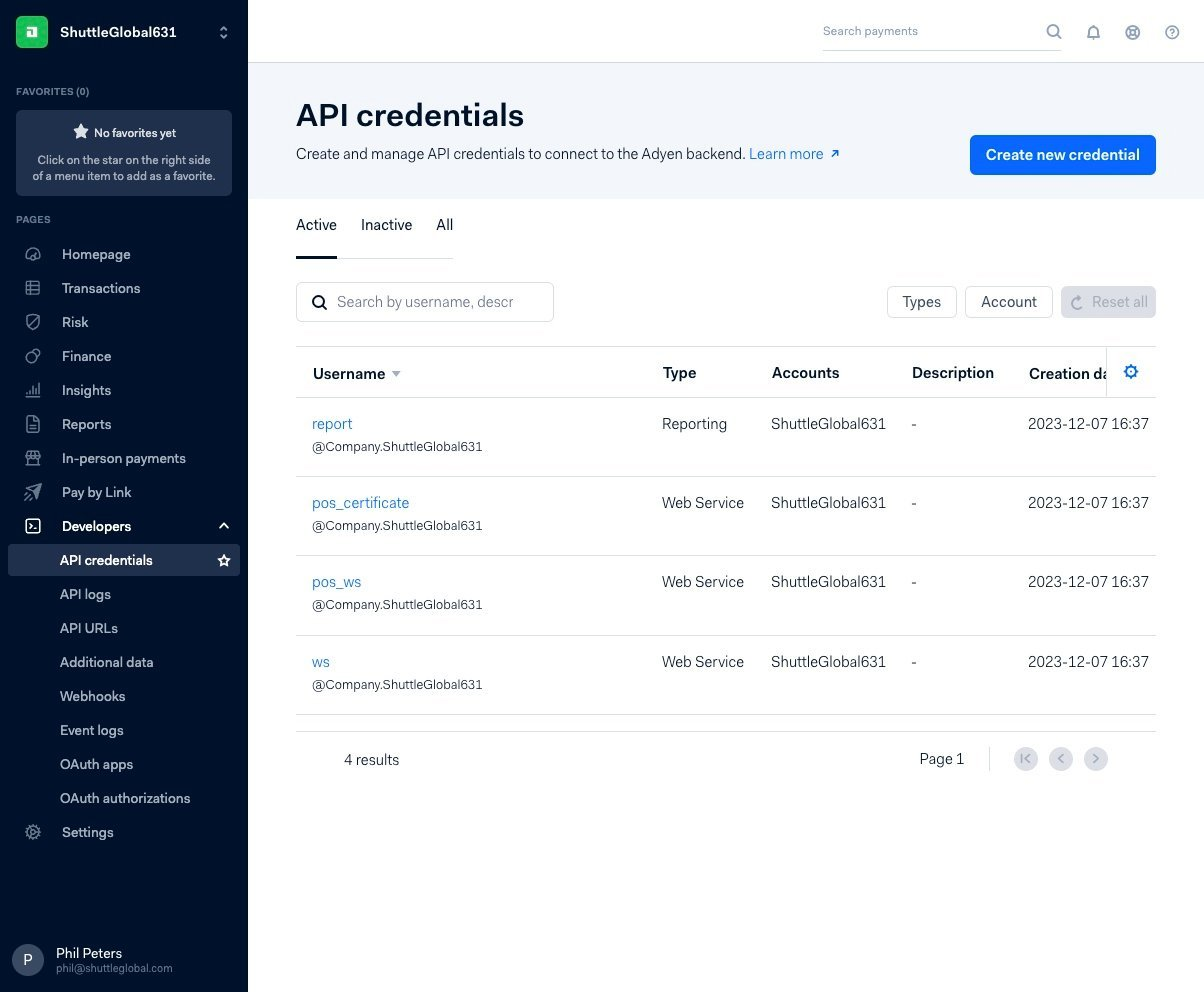
Select Developers > API Credentials, and select the ws user.
-
Generate an API key. The credentials to enter are your Merchant ID and this API key.
-
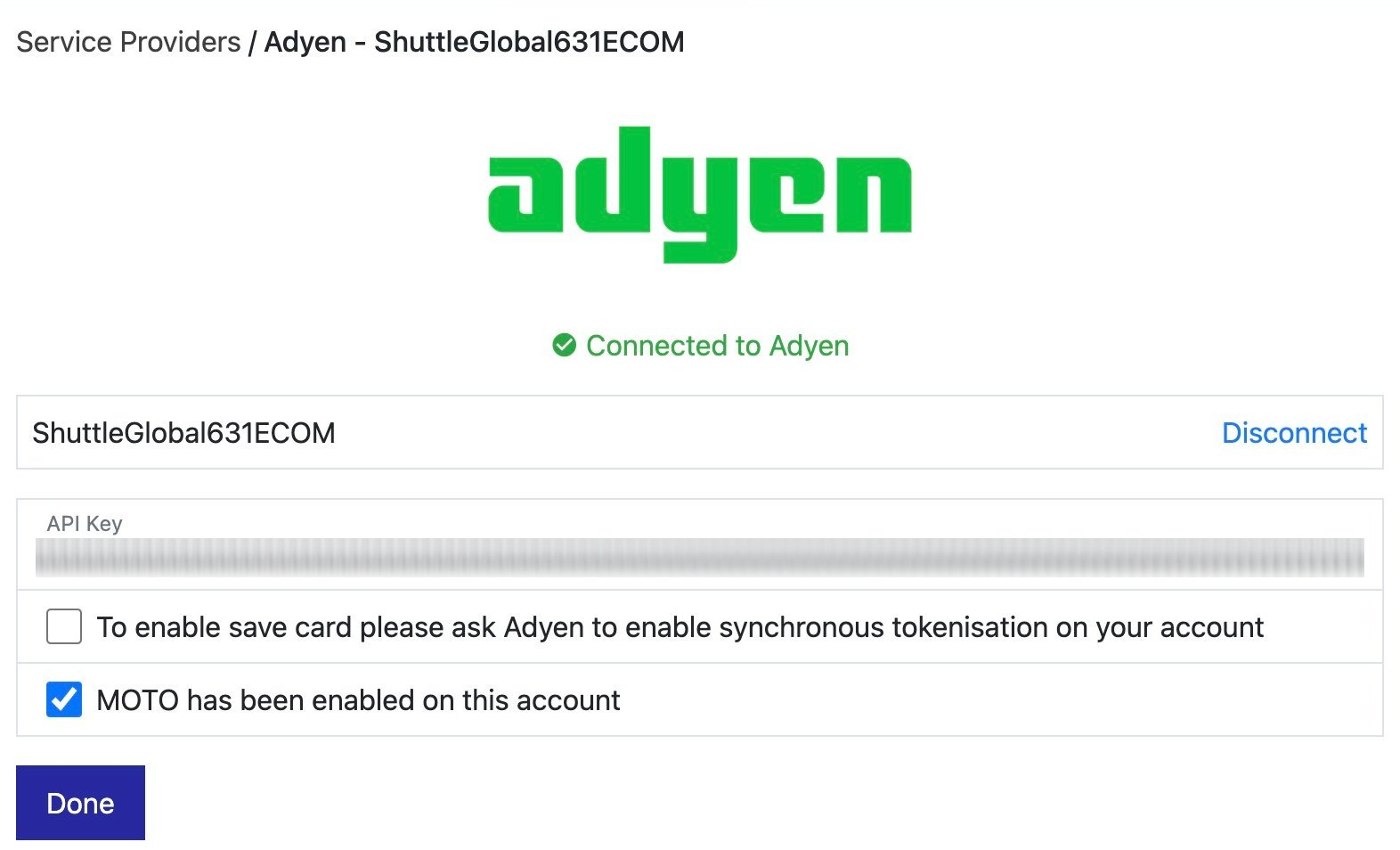
Enter your Merchant ID and API key into the setup screen. Once saved and tested, you will see a Connected to Adyen confirmation, where you can also enable synchronous tokenisation and MOTO.
Was this page helpful?
What went wrong?
Thanks for telling us.