
Connecting Paysafe
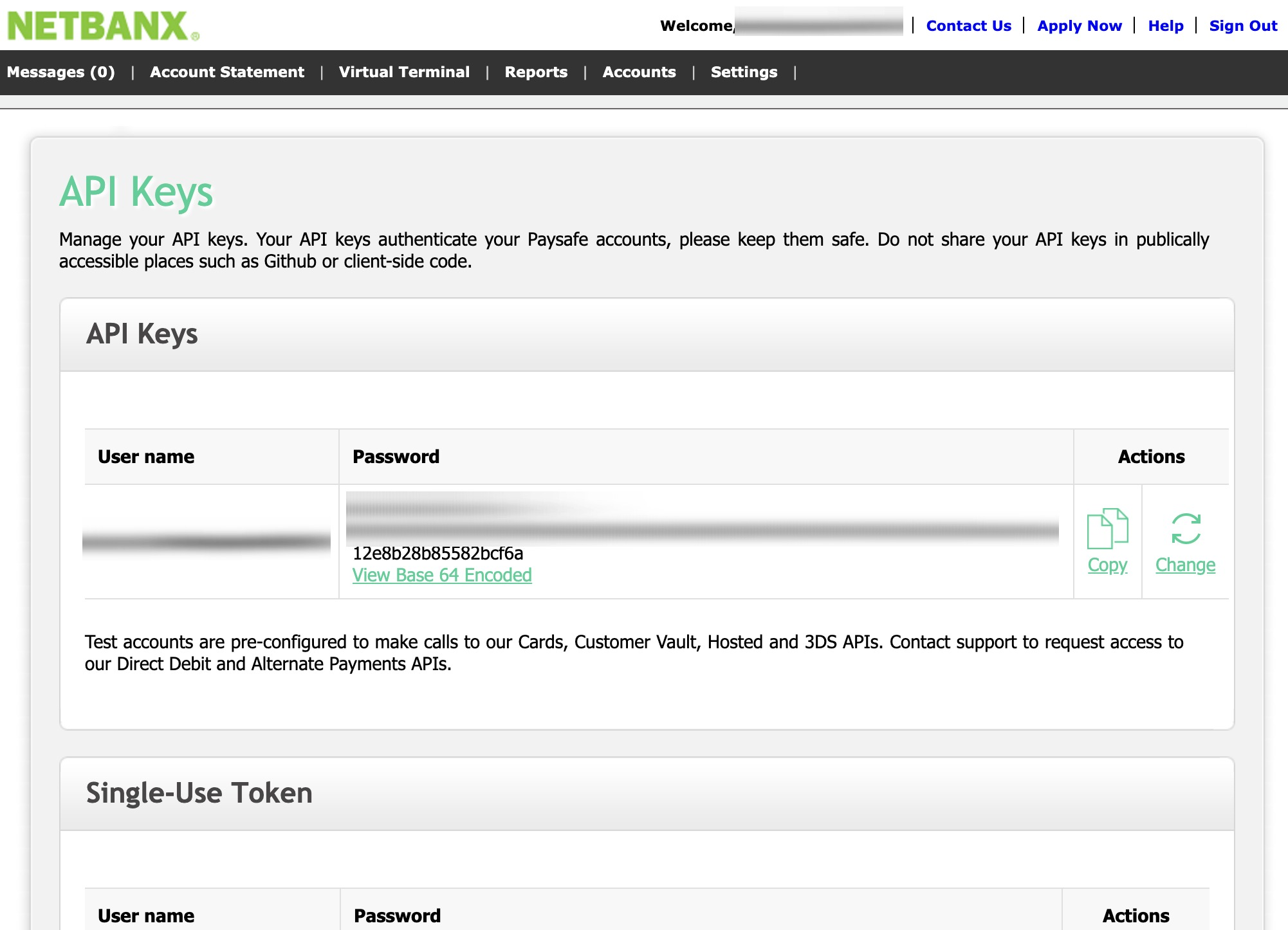
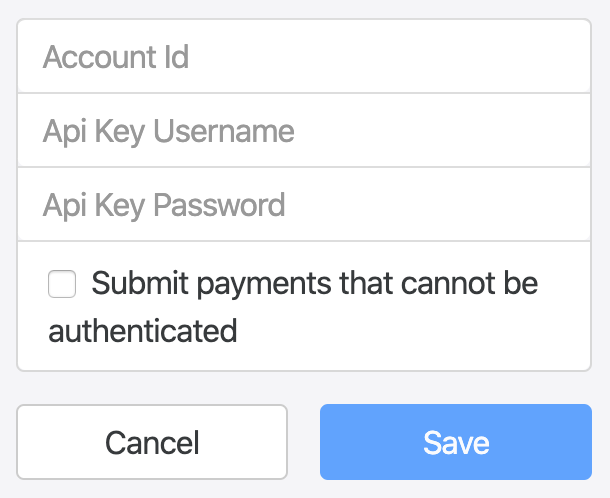
To set up Paysafe you will need your:
- Account ID
- API Key Username
- API Key Password
You can get these by logging into your Paysafe Merchant Portal. Copy and paste those values into the setup boxes.
Extra settings:
Payment methods
Section titled “Payment methods”You can set up other payment methods, such as ACH and SEPA, that you have enabled on your Paysafe account. Each is enabled per gateway, and separate toggles control whether refunds are permitted for ACH and SEPA payments.
Connection options
Section titled “Connection options”Our integration with Paysafe offers several options:
- Require address (AVS): Requires the customer to enter their billing address.
- Enable ACH: Enables ACH as a payment method. Provide an ACH Account ID, and optionally enable ACH refunds. You must also enable ACH on your Paysafe account.
- Enable SEPA: Enables SEPA as a payment method. Provide a SEPA Account ID, and optionally enable SEPA refunds. You must also enable SEPA on your Paysafe account.
Was this page helpful?
What went wrong?
Thanks for telling us.