
Connecting BS Payone
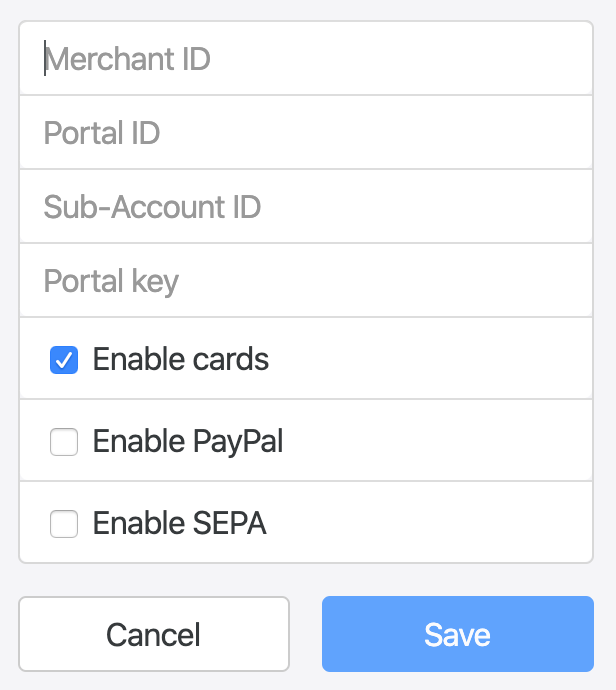
To set up BS Payone you will need your:
- Merchant ID
- Portal ID
- Sub-Account ID
- Portal Key
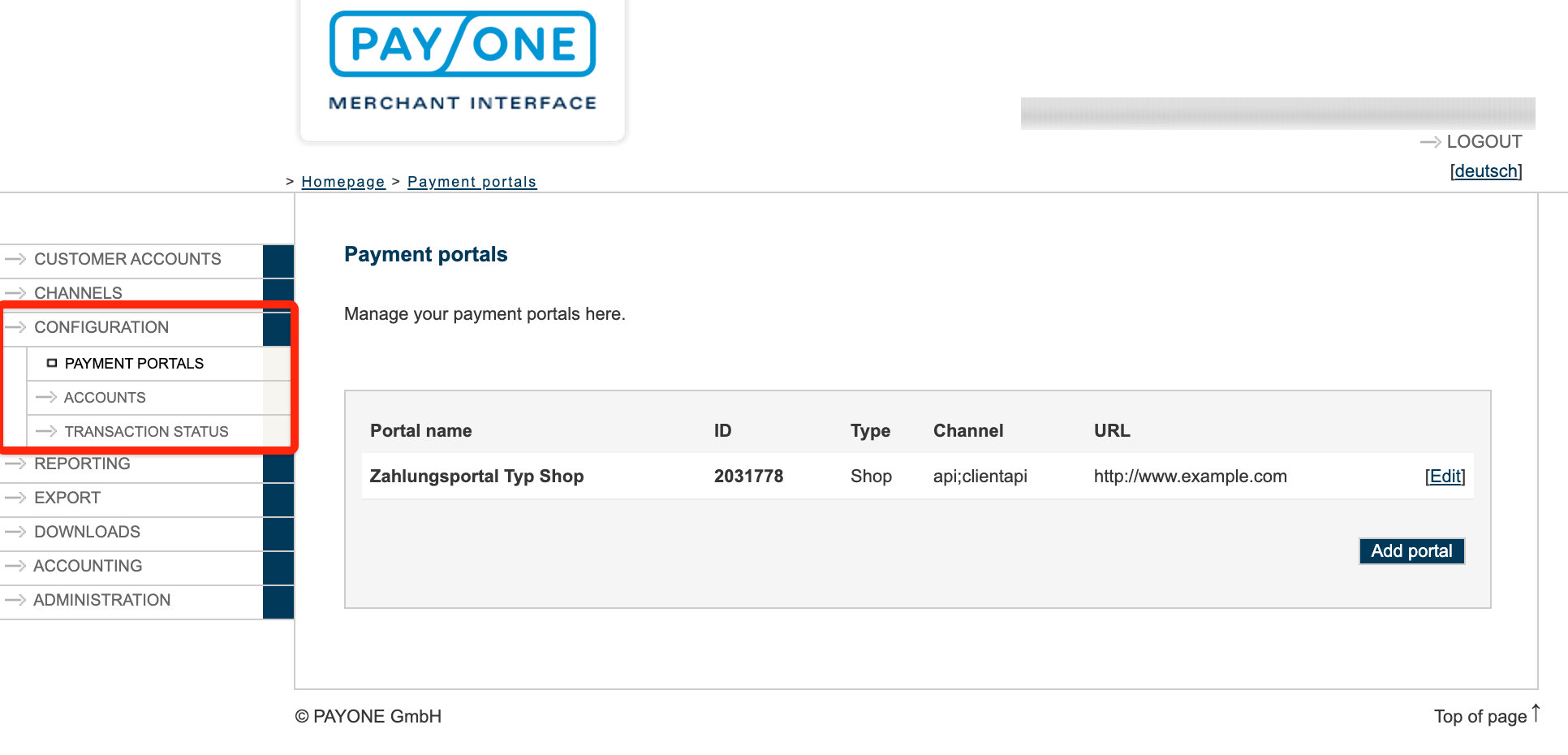
To obtain these details, log in to your BS Payone Merchant Portal and go to Configuration.
Copy and paste your details into the setup boxes.
Extra settings
Section titled “Extra settings”Payment methods
Section titled “Payment methods”You can enable additional payment methods, such as PayPal and SEPA, that you have enabled on your BS Payone account. Use the Enable cards, Enable PayPal, and Enable SEPA checkboxes in the setup form to control which methods are available through this gateway.
Was this page helpful?
What went wrong?
Thanks for telling us.