
Connecting Adyen
Connecting Adyen uses API credentials rather than OAuth. To connect, you will need three things from your Adyen account:
- Your Merchant Account ID
- An API Key
- Your URL prefix (for live accounts)
-
Log in to your Adyen account.
-
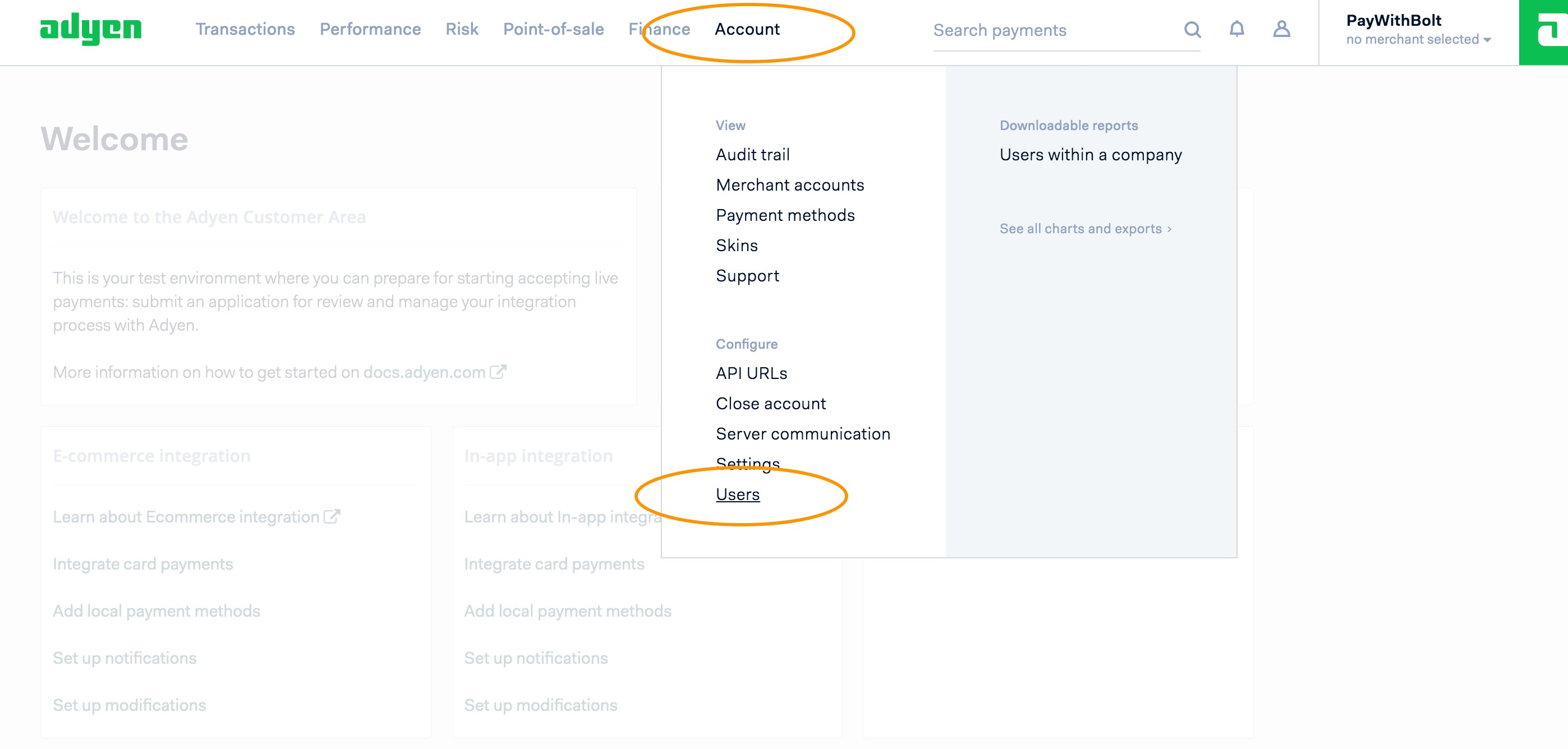
Go to Account > Users (in newer Customer Area layouts, Developers > API credentials).
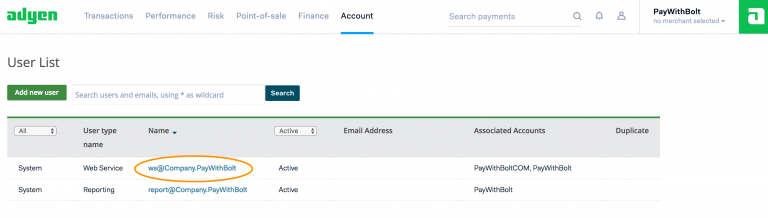
You need a Web Service user (API credential) on your account with the roles listed under API credential roles below, and, depending on your needs, another for POS payments. The API PCI Payments role is what allows card details to be passed via the Adyen API, and the Management API roles are what let the integration register the webhook that completes captures and refunds. If you do not have the user or permissions set up, contact Adyen to have them added.
-
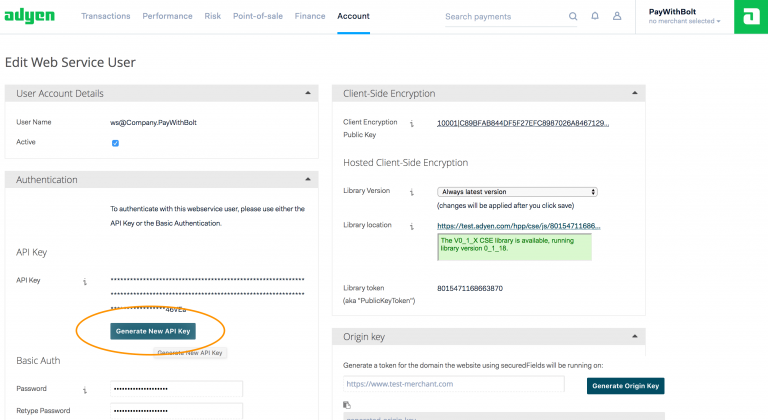
Generate an API key, and copy it into the setup screen.
-
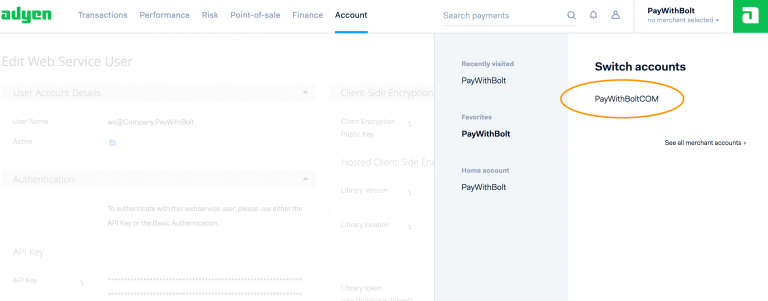
Grab your Merchant ID, and copy it into the setup screen.
-
For a live account you also need your URL prefix. This can be found by going to Account > API URLs. On the API URLs and Response page, you can see the configured endpoints for your company account.
API credential roles
Section titled “API credential roles”The API credential you provide needs the following roles. Most can be ticked on the credential yourself under Developers > API credentials > Roles; the PCI role has to be requested from Adyen support.
| Role | Why it is needed |
|---|---|
| Checkout webservice role | Taking payments and completing 3D Secure. |
| Merchant PAL webservice role | Capturing, refunding and voiding payments. |
| API PCI Payments role | Sending the card details entered in the checkout to Adyen. Must be requested from Adyen support. |
| Management API - Account read | Reading your merchant account’s settlement currency and company. |
| Management API - Webhooks read and write | Registering the webhook that tells the integration when a capture or refund has completed (see below). |
| Merchant Recurring role | Only if you save cards for later or recurring payments. |
| Cloud Device API role | Only if you take card-present payments on Adyen terminals. |
Webhook
Section titled “Webhook”Adyen processes captures and refunds asynchronously. The integration sends the request, Adyen accepts it, and the result arrives later on a webhook. The integration registers this webhook on your Adyen account automatically when you save the connection, using the Management API roles above.
If the credential is missing those roles, the webhook cannot be created. The connection will still save and payments will still authorise, but every capture and refund will stay pending and the refund option will not appear against the payment. Add the roles to the credential, then open the Adyen connection and save it again to have the webhook created.
Connection options
Section titled “Connection options”- Merchant Account: Your Adyen merchant account ID. Entered when you first connect.
- API Key: The API key generated above.
- Require address (AVS): Requires the customer to enter their billing address. AVS must also be configured in your Adyen portal.
- Enable Save Card: Allows cards to be saved for later and recurring payments. Ask Adyen to enable synchronous tokenisation on your account first.
- Enable MOTO: Allows MOTO (mail order / telephone order) payments keyed in by staff. MOTO must also be enabled on your Adyen account.
- Sandbox: Test mode: no money is taken. When this is off, enter your URL prefix.
Interaction type
Section titled “Interaction type”Interaction Type appears only where card-present (POS) payments are enabled for your platform, a platform-level setting. Choose Ecommerce / Moto for online and MOTO payments (with Enable Save Card and Enable MOTO beneath it), or POS for an Adyen terminal.
Setting up a test account
Section titled “Setting up a test account”If you need an Adyen test account before connecting, see Creating an Adyen sandbox account.
Was this page helpful?
What went wrong?
Thanks for telling us.