
Connecting PayPal Payflow Pro
Connecting PayPal Payflow Pro uses the same credentials you use to access manager.paypal.com. You will need a user with the ADMIN role. You can check this in PayPal Manager under Account Administration → Manage Users.
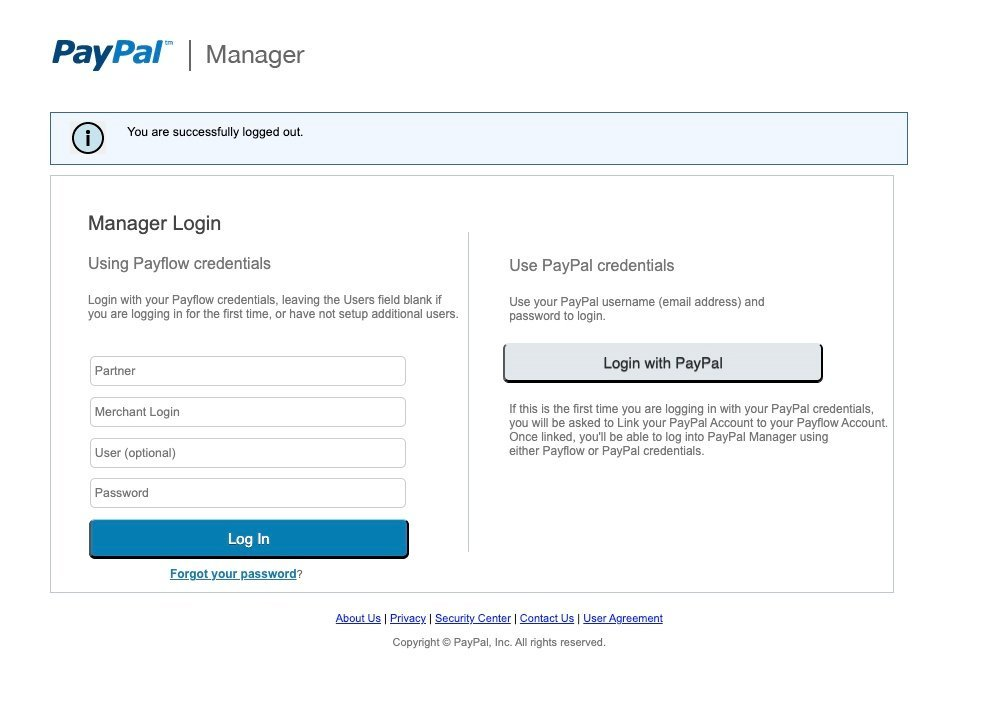
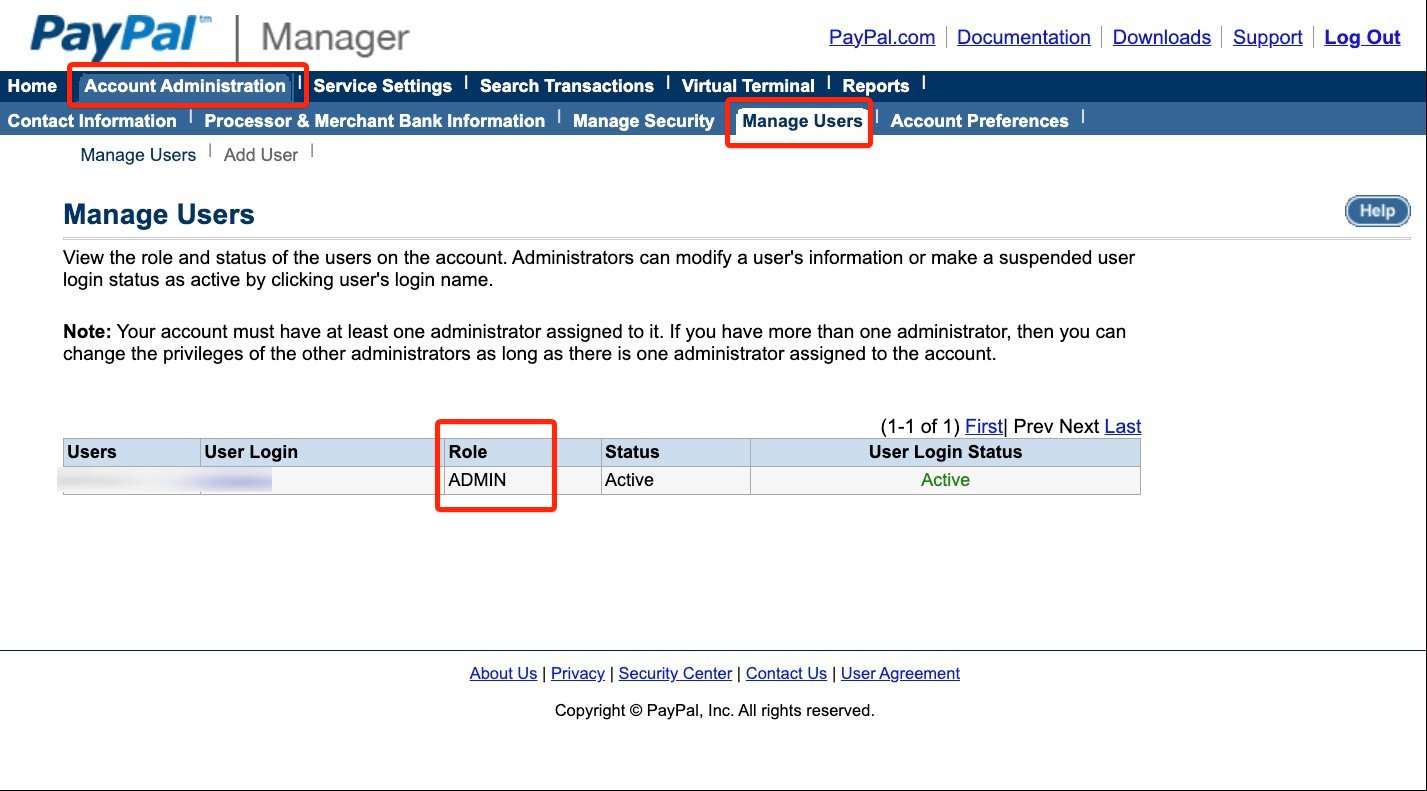
-
Select PayPal Payflow Pro from the service provider list, then enter your User, Partner, Vendor, and Password. You will also need to select the Currency of your account.
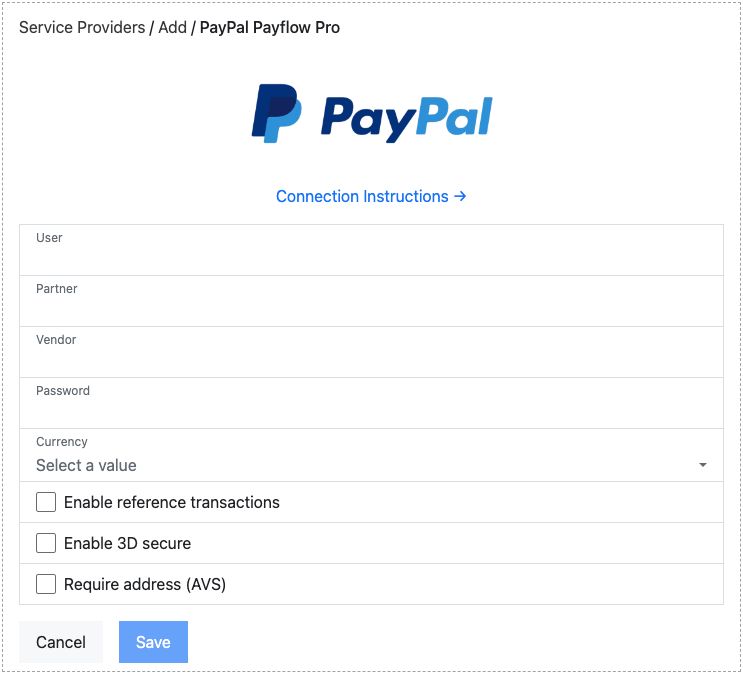
-
The connection is tested and you are shown a green “Connected to PayPal Payflow Pro” message.
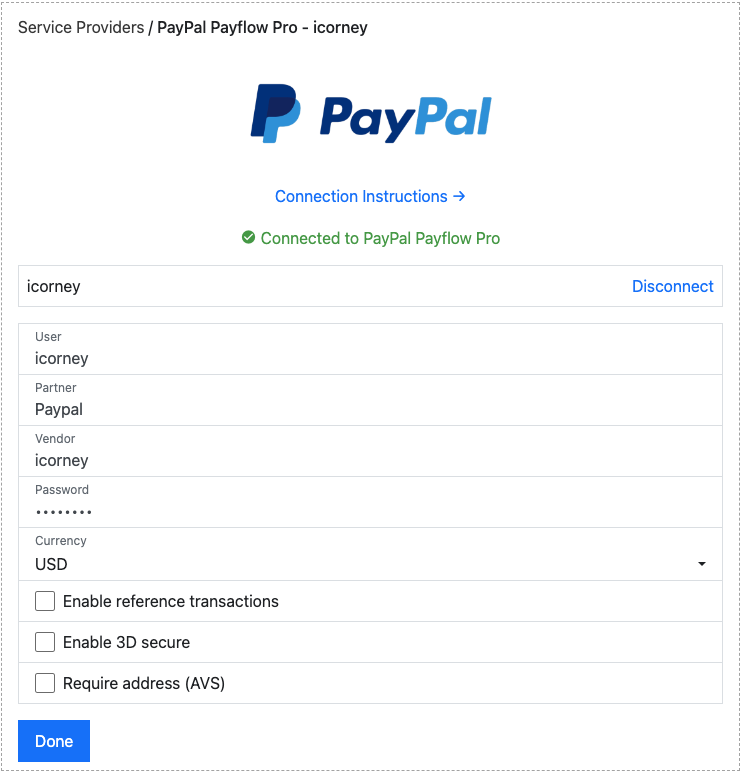
Connection options
Section titled “Connection options”Our integration with PayPal Payflow Pro offers several options:
- Enable reference transactions: Allows customers to save their payment method. This is not enabled on Payflow accounts by default — you must contact PayPal and have the facility enabled before selecting this checkbox, otherwise it will not work.
- Enable 3D secure: Enables 3D Secure authentication for supported cards. 3D Secure runs through Cardinal Commerce, so when you turn this on, enter the API Key, API Identifier and OrgUnit ID from your Cardinal Commerce account.
- Require address (AVS): Requires the cardholder’s billing address to be entered during checkout.
Was this page helpful?
What went wrong?
Thanks for telling us.