
Creating a GoCardless sandbox account
This guide walks through creating a GoCardless sandbox account so you can set up and verify your connection before going live.
-
Go to manage-sandbox.gocardless.com/sign-up and sign up for a sandbox account.
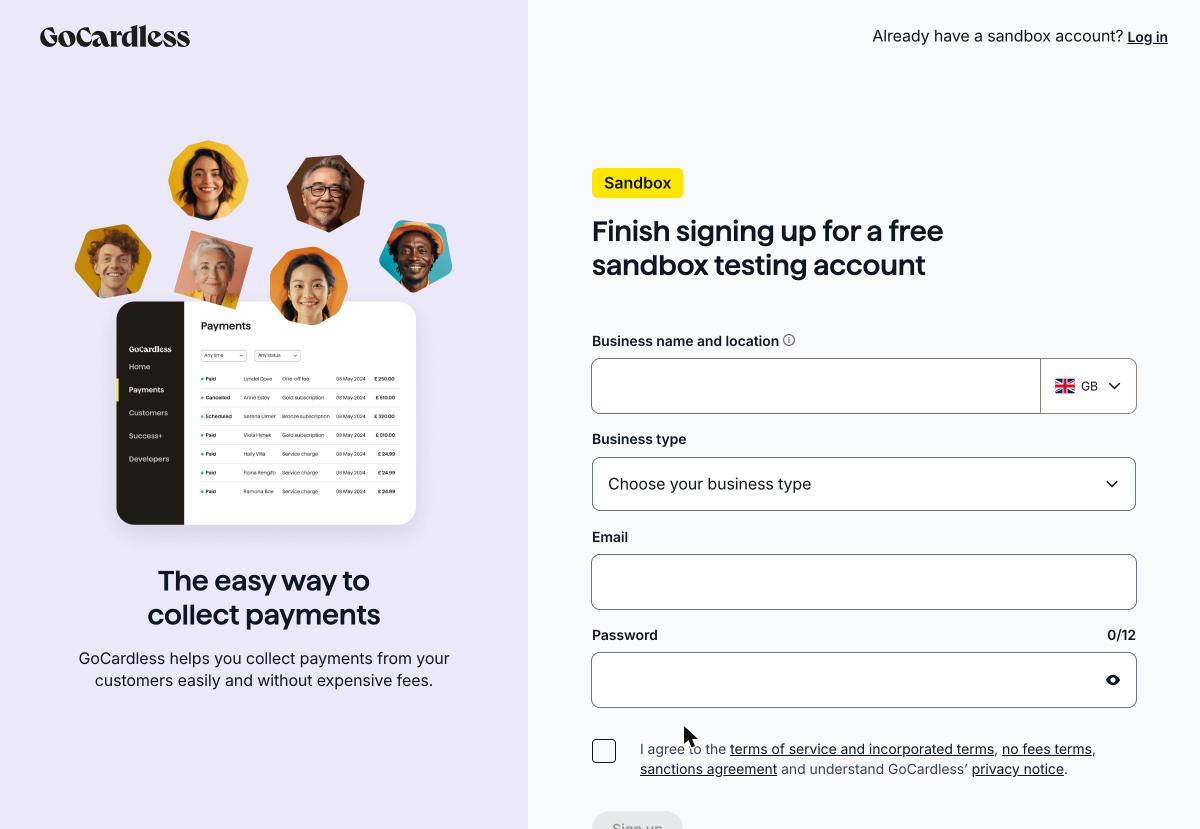
-
Your sandbox dashboard is at manage-sandbox.gocardless.com. GoCardless says sandbox accounts have all features enabled by default, while a live account is restricted by the package and add-ons you choose.
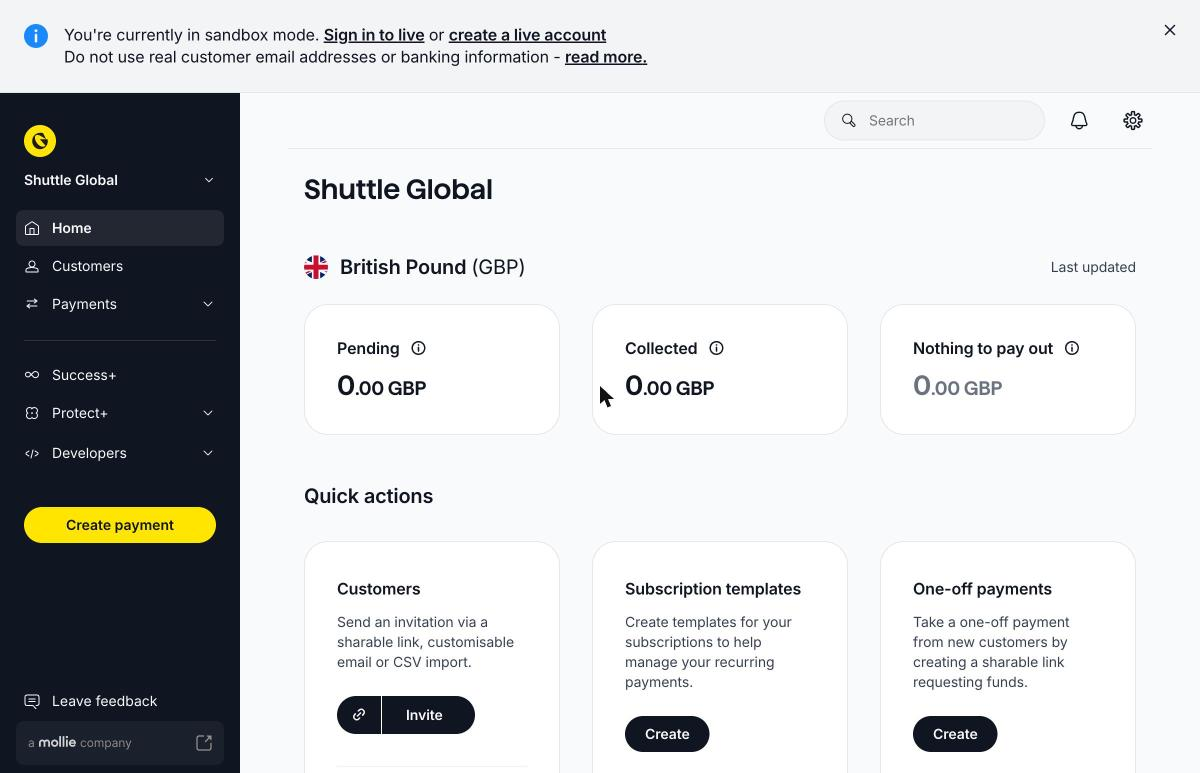
-
Connect GoCardless as described in Connecting GoCardless. When GoCardless asks you to log in, use your sandbox account’s email address and password.
For test bank details, see GoCardless test cards.
These steps follow GoCardless’ own pages and screens as of 23 November 2026. If they no longer match, GoCardless’ linked pages are the reference.
Was this page helpful?
What went wrong?
Thanks for telling us.