
Merchant Portal: Refund a payment
You can refund the whole of a payment, or part of it, from the Merchant Portal. The refund goes back through the payment provider that took the payment. You need the Admin or Support role: see Team management.
Find the payment
Section titled “Find the payment”- Log in at merchant.shuttleglobal.com. If you have more than one organisation or account, choose the one the payment was taken through.
- Select Activity in the menu, then the Transactions tab, and select the payment.
Refund it
Section titled “Refund it”-
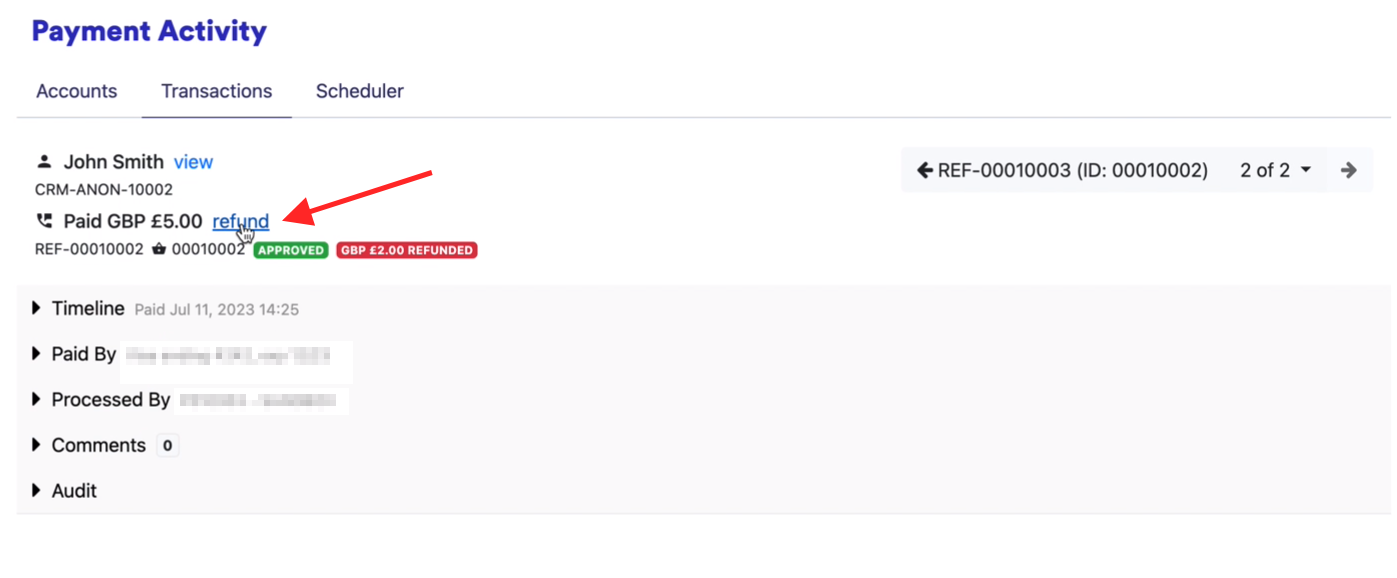
Select refund next to the payment amount.
-
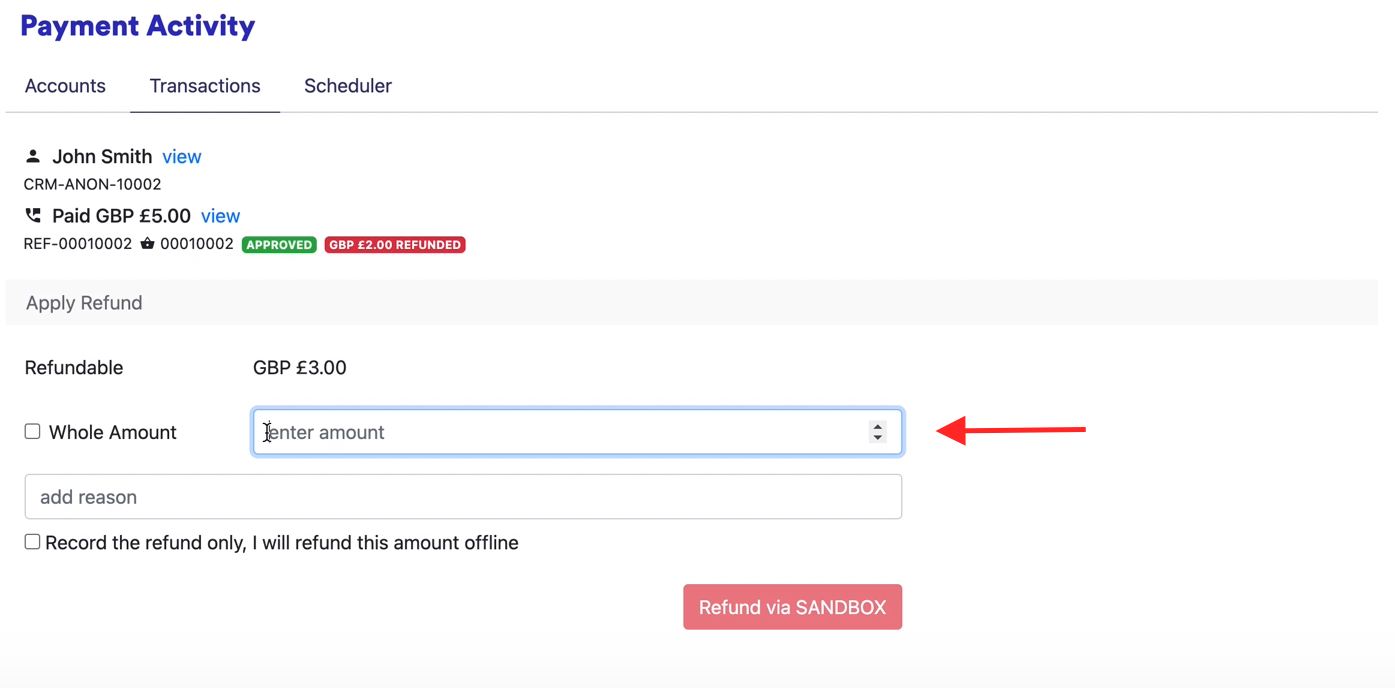
To refund everything, tick Whole Amount. To refund part of the payment, leave it unticked and enter the amount. The form shows how much can still be refunded.
-
Add the reason for the refund.
-
Leave Record the refund only, I will refund this amount offline unticked. Tick it only if you’ve already refunded the customer some other way and just want the refund recorded.
-
Select the refund button. It names the payment provider, for example Refund via Stripe.
-
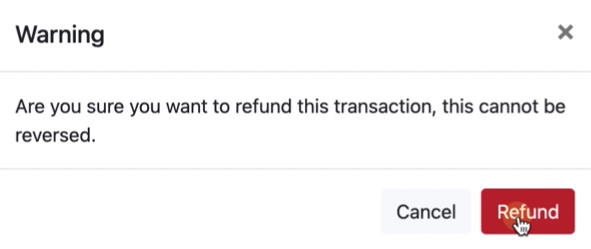
Confirm the refund. A refund can’t be reversed.
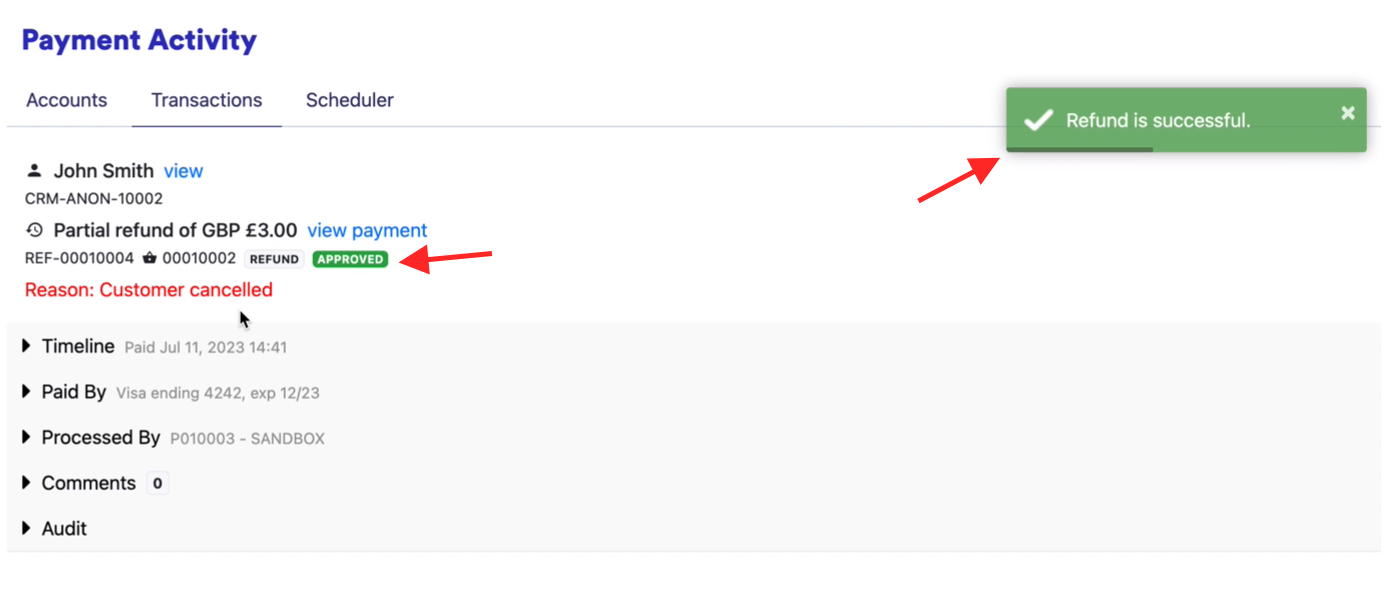
You’ll see Refund is successful. The refund appears on the Transactions tab with your reason, and the original payment shows as refunded or partly refunded.
Was this page helpful?
What went wrong?
Thanks for telling us.