
Activity View
The Merchant Portal shows every payment taken through your account, whichever payment provider it went through. Log in at merchant.shuttleglobal.com with your email address and password, or with your Google account. If you have more than one organisation or account, choose the one you want.
Dashboard
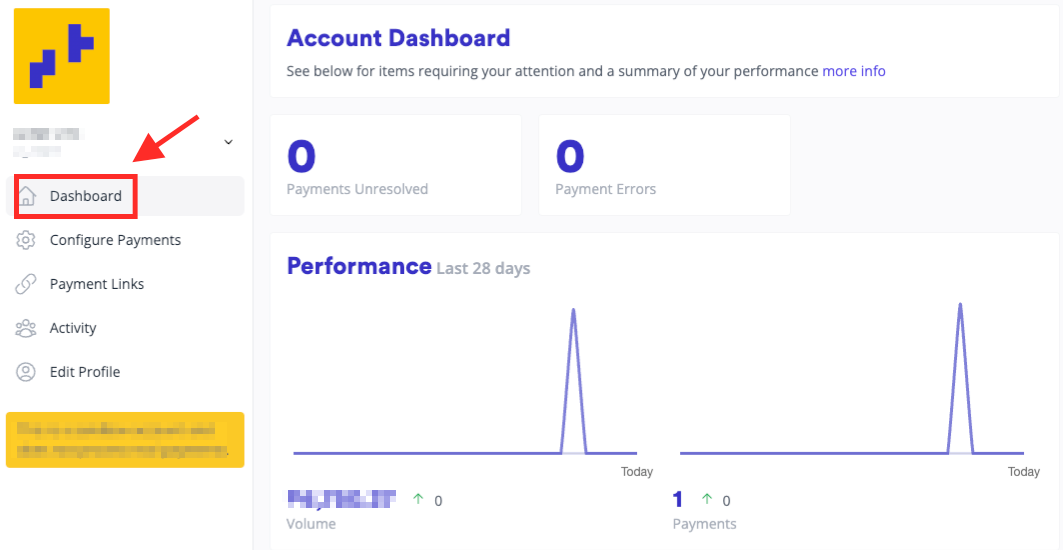
Section titled “Dashboard”Select Dashboard in the menu. The Account Dashboard shows:
- items that need your attention, such as unresolved payments, payment errors and failing schedules
- your performance over the last 28 days: the value and number of payments, and how they’ve changed
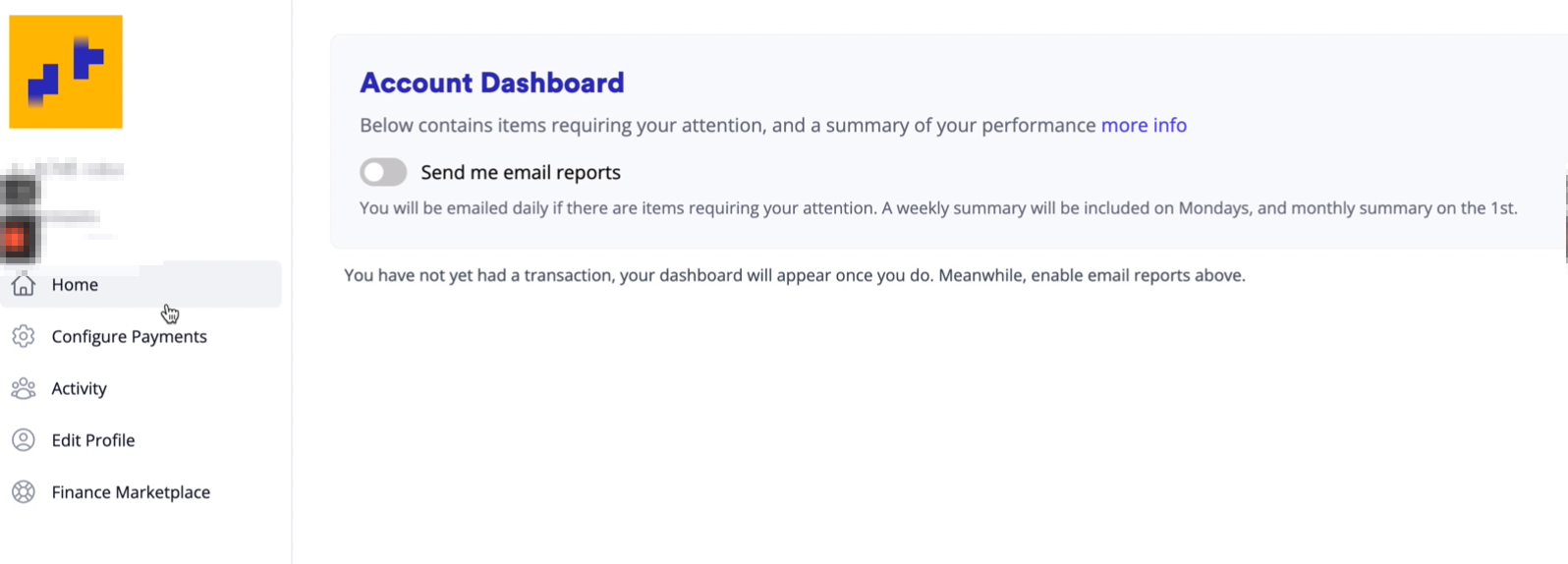
To get these by email, turn on Send me email reports. You’ll get a daily email when something needs your attention, and a summary every Monday.
Activity
Section titled “Activity”Select Activity in the menu. Payment Activity has these tabs:
- Transactions: every payment attempt, successful or not, and every refund
- Accounts: your customers. Every transaction belongs to one, and a customer can have many transactions.
- Scheduler: recurring and scheduled payments, if your account takes them
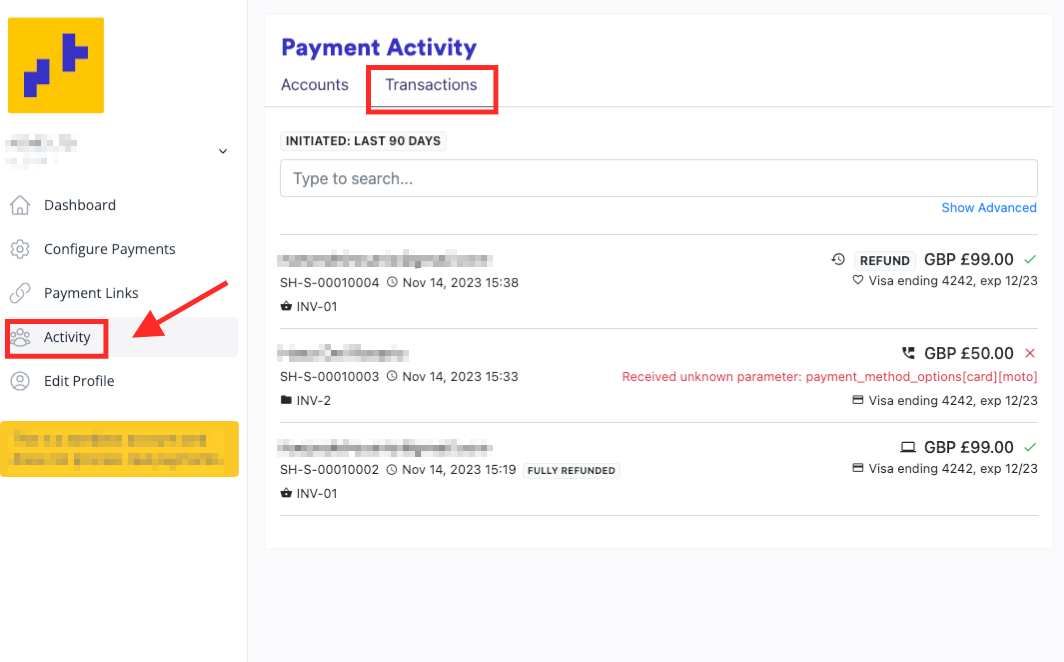
Select a transaction or a customer for its details: status, amount, payment method and date. The Audit tab shows everything recorded about the payment, including the messages exchanged with your payment provider.
From a transaction you can also refund it, or capture a payment you only authorised. Capture it before the authorisation expires: how long that is depends on your payment provider and the card, from 5 to 30 days. When your provider gives an expiry date, the transaction shows Auth Expires with the date. An expired authorisation isn’t cancelled, and you can still try to capture it, but the card issuer may decline.
Was this page helpful?
What went wrong?
Thanks for telling us.