
Add payment links to your invoices
Your payment link takes payments from anyone you send it to. Adding it to your QuickBooks invoice template puts it on every invoice you send.
Copy your payment link
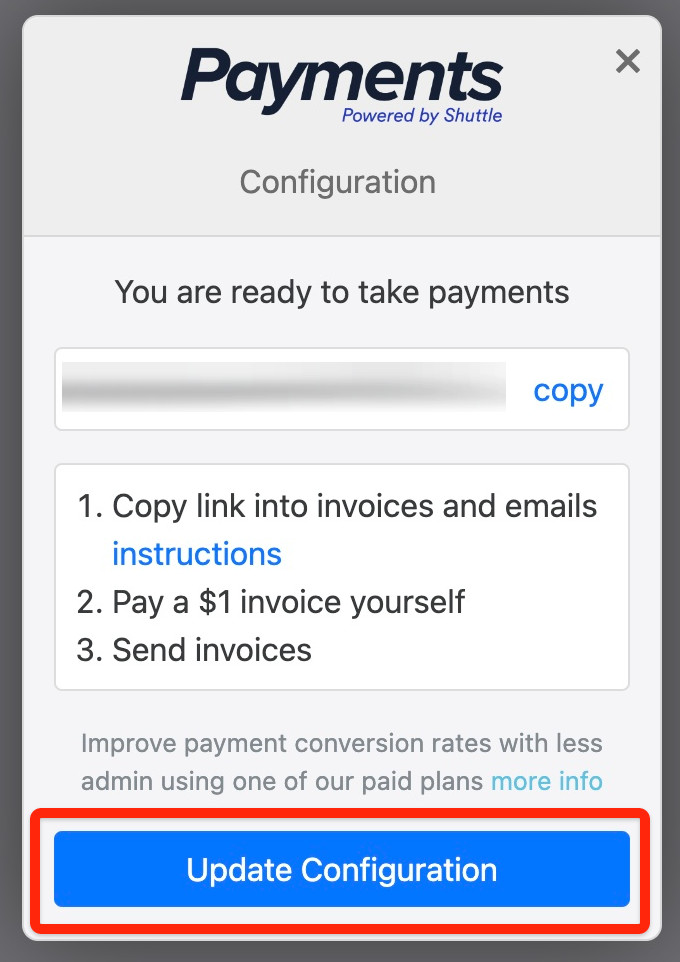
Section titled “Copy your payment link”When setup is complete, the Shuttle app shows your payment link with a copy button next to it.
Add it to your invoice template
Section titled “Add it to your invoice template”-
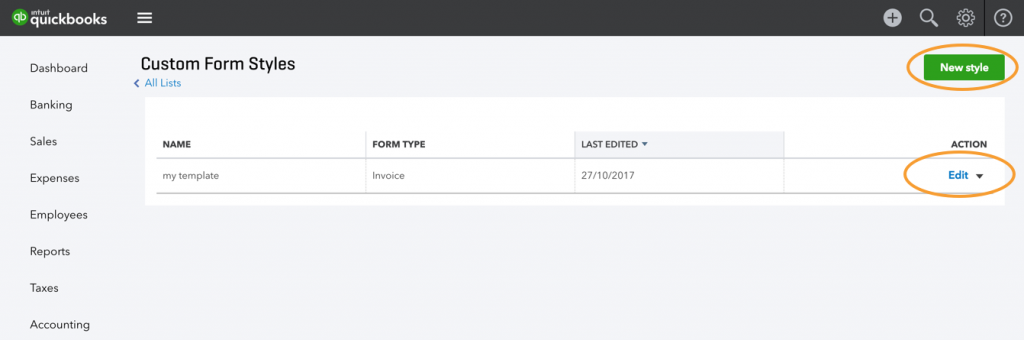
In QuickBooks, go to Settings (the gear icon) > Custom form styles.
-
Edit an existing template, or select New style to create one.
-
Select the Content tab.
-
Select the footer of the invoice preview. The settings on the left change to the footer’s.
-
Paste the link into Footer > Message to customer, with a short label in front, such as “Pay now:”, so your customer knows what it’s for.
To fill in the invoice number and amount for your customer, see Pre-fill the invoice number and amount.
Or have the app add it to your QuickBooks messages
Section titled “Or have the app add it to your QuickBooks messages”The app can add your payment link to the default messages QuickBooks sends:
- Log in to the Shuttle app.
- Select View Configuration, then Accounts > QuickBooks.
- Tick Add payment link to invoices, then select Save.
When you save, the app adds a line with your payment link to three of your QuickBooks default messages: the invoice email (“Please pay this invoice online”), the statement email (“You can pay online”) and the default message to customers on sales forms (“To pay online”). If you untick the option and save, the app takes those lines out again.
Turn off QuickBooks’ own pay button
Section titled “Turn off QuickBooks’ own pay button”QuickBooks adds its own pay button to invoices (it may read Pay now, Review and pay or View and pay). That button only works with QuickBooks Payments, so the Shuttle app can’t use it. To stop it appearing next to your payment link:
- In QuickBooks, go to Settings > Account and settings > Sales > Invoice payments, and turn off online payments.
- Invoices you’ve already created may still show the button. Untick the payment options on those invoices.
If customers can’t select the link in a PDF invoice, see Troubleshooting.
Was this page helpful?
What went wrong?
Thanks for telling us.