
Get an email when a customer pays
You can get an email each time a customer pays an invoice. It’s off until you turn it on.
- Log in to the Shuttle app.
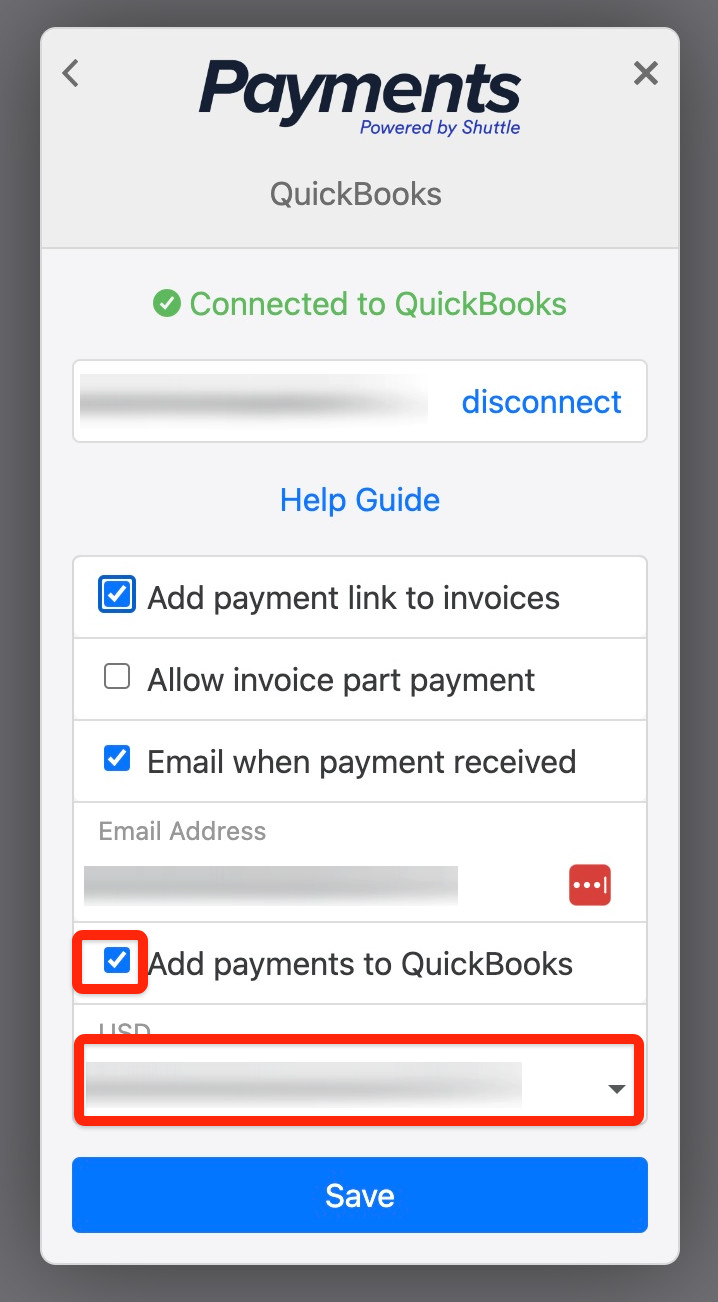
- Select View Configuration, then Accounts > QuickBooks.
- Tick Email when payment received, and enter the email address to send it to.
- Select Save.
Was this page helpful?
What went wrong?
Thanks for telling us.