
Payment method amount rules
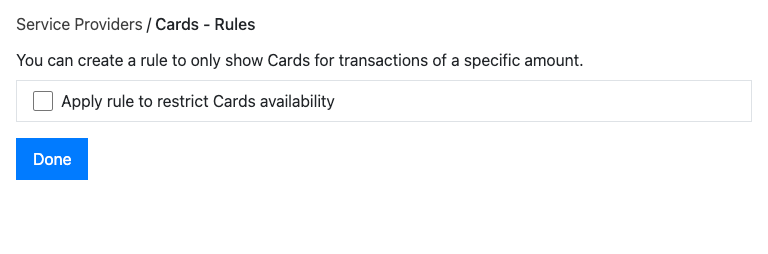
This screen lets you limit when a payment method is offered to online customers, based on the transaction amount. For example, you might only offer a particular method above a minimum value, or hide it in a given currency.
Where to find it
Section titled “Where to find it”Open the rules (cog) icon next to a payment method while customising your checkout on the integrations list.
What you see
Section titled “What you see”- The payment method this rule applies to (for example Cards or ACH).
- A short explanation of what the rule does.
What you can do
Section titled “What you can do”| Control | What it does |
|---|---|
| Apply rule to restrict availability | Turns the amount rule on or off for this method. |
| Transaction minimum amount | The smallest amount for which the method is offered. |
| Transaction maximum amount | The largest amount for which the method is offered. Leave blank for no upper limit. |
| Disallow in this currency (multiple currencies) | Hides the method entirely for the chosen currency. |
| Select currency / Add (multiple currencies) | Adds another currency so you can set separate limits for it. |
| Save | Saves the rule and returns to the integrations list. Rules: Restrict a payment method by transaction amount. |
| Cancel / Done | Discards changes, or closes the screen when nothing has changed. |
Things to note
Section titled “Things to note”- Some methods are tied to a single currency — ACH applies to USD, SEPA to EUR, and BACS to GBP. Other methods use the currencies your provider supports.
- Enter amounts with a full stop as the decimal separator (for example 10.50).
- Validation rules: a maximum must be greater than the minimum; a maximum of zero is only allowed when you’re disallowing the method in that currency; and the maximum must be a valid number.
- If you don’t have permission to make changes, the screen is read-only and can’t be saved.
Related tasks
Section titled “Related tasks”- Restricting a payment method by amount
Was this page helpful?
What went wrong?
Thanks for telling us.